

BentoPDF
★ 16.3kAbout
Community Ratings
New this week
Read recap →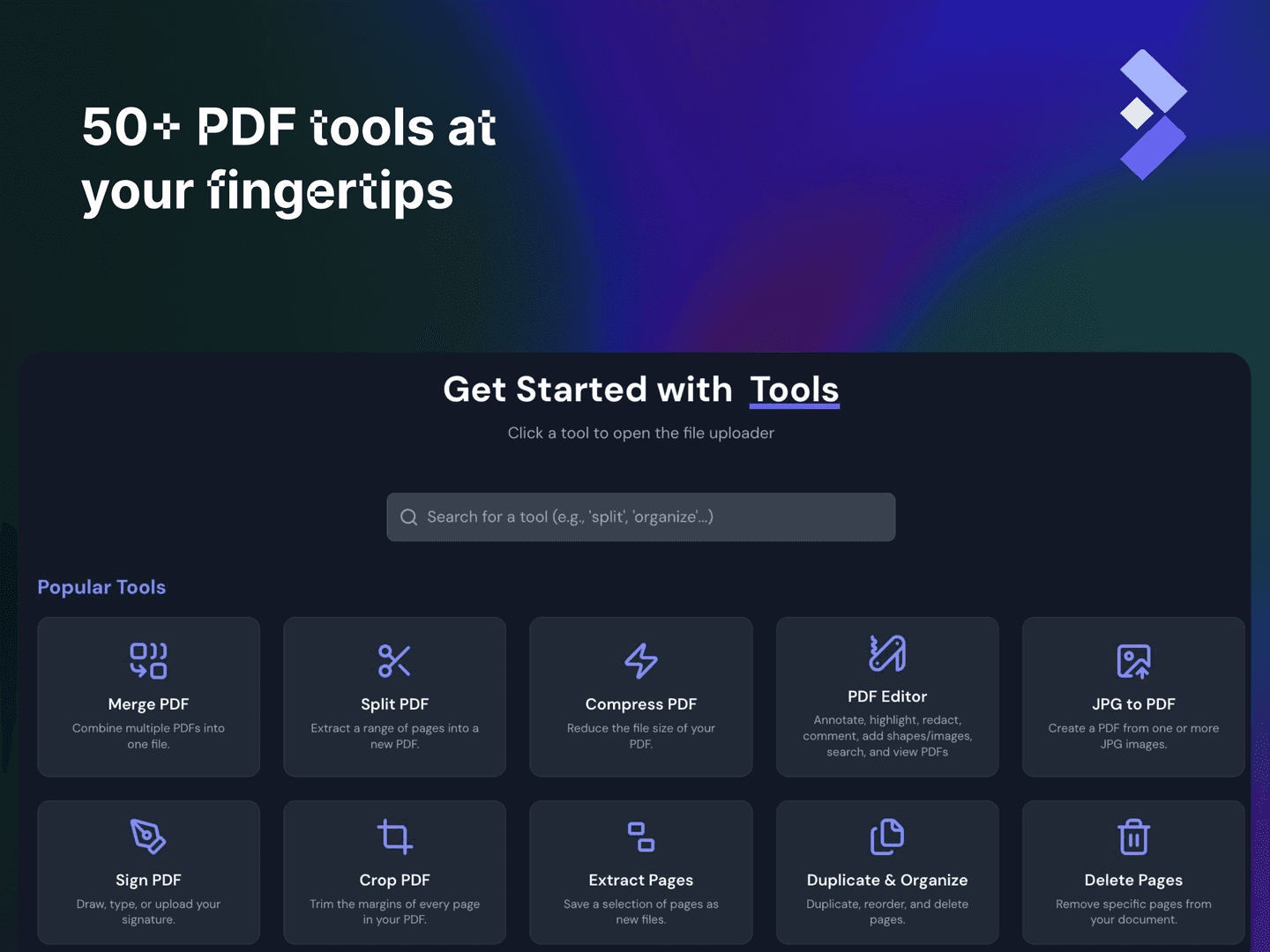
Features
- merge PDFs
- split PDFs
- organize pages
- extract pages
- rotate pages
- view PDF
- add attachments
- extract attachments
- compare PDFs
- convert PDF formats
Details
- Last Updated
- Nov 9, 2026
- Created
- Oct 12, 2025
- Install Methods
- docker-composesource
- Requirements
- Node.jsDocker Compose or Podman Compose
- Default Port
- 8080web UI
- Runtime / Stack
- NodejsDocker
- Privacy & Independence
- Cloud: OptionalOffline Capable
- User Model
- Multi-User
- Deployment
Deployment: Docker Compose ✓Single Container — minimal hosting footprintsingle container
Run BentoPDF yourself
Pick how much you want to manage.
 netcupBest match
Full control
A small server, then Docker Compose.
About 20 minutes with Docker
 Hetzner
Full control
A small server, then Docker Compose.
About 20 minutes with Docker
 DigitalOcean
Full control
A small server, then Docker Compose.
About 20 minutes with Docker
1 more way to host

Some links earn us a commission. netcup pays us one and is our preferred VPS host.
Is this your project? Sponsor a listing
Run BentoPDF with Docker Compose
Compose file from the BentoPDF project repository.
1 service
no resource limits declared
docker-compose.yml · @ dafb6f8 · scanned Nov 3, 2026
services:
  bentopdf:
    # GitHub Container Registry (Recommended)
    # Self-Hosted build - ghcr.io/alam00000/bentopdf-simple:latest
    # Commercial build  - ghcr.io/alam00000/bentopdf:latest
    # Docker Hub (Alternative)
    # Self-Hosted build - bentopdfteam/bentopdf-simple:latest
    # Commercial build  - bentopdfteam/bentopdf:latest
    image: ghcr.io/alam00000/bentopdf-simple:latest
    container_name: bentopdf
    restart: unless-stopped
    ports:
      - '8080:8080'
    # For IPv4-only environments
    #environment:
    #  - DISABLE_IPV6=true
This file may be out of date. Check the BentoPDF documentation for current setup steps.
Tags
Track your self-hosted stack
Bookmark software to try, rate tools you've used, and keep your collection in one place.
Alternatives to BentoPDF
Bento PDF

PdfDing

OmniTools

ConvertX

Stirling-PDF

pdf-dark

Signature PDF

Docuseal

Transmute

SnapOtter

ONLYOFFICE

OpenSign
Related Software

Gotenberg

Webarchive

ImgCompress

Inkheart

FileRise

Documenso

SeedDMS

string.is
