


doory
★ 2.9kA self-hosted alternative to Canva
About
Community Ratings
No ratings yetNew this week
Read recap →

Features
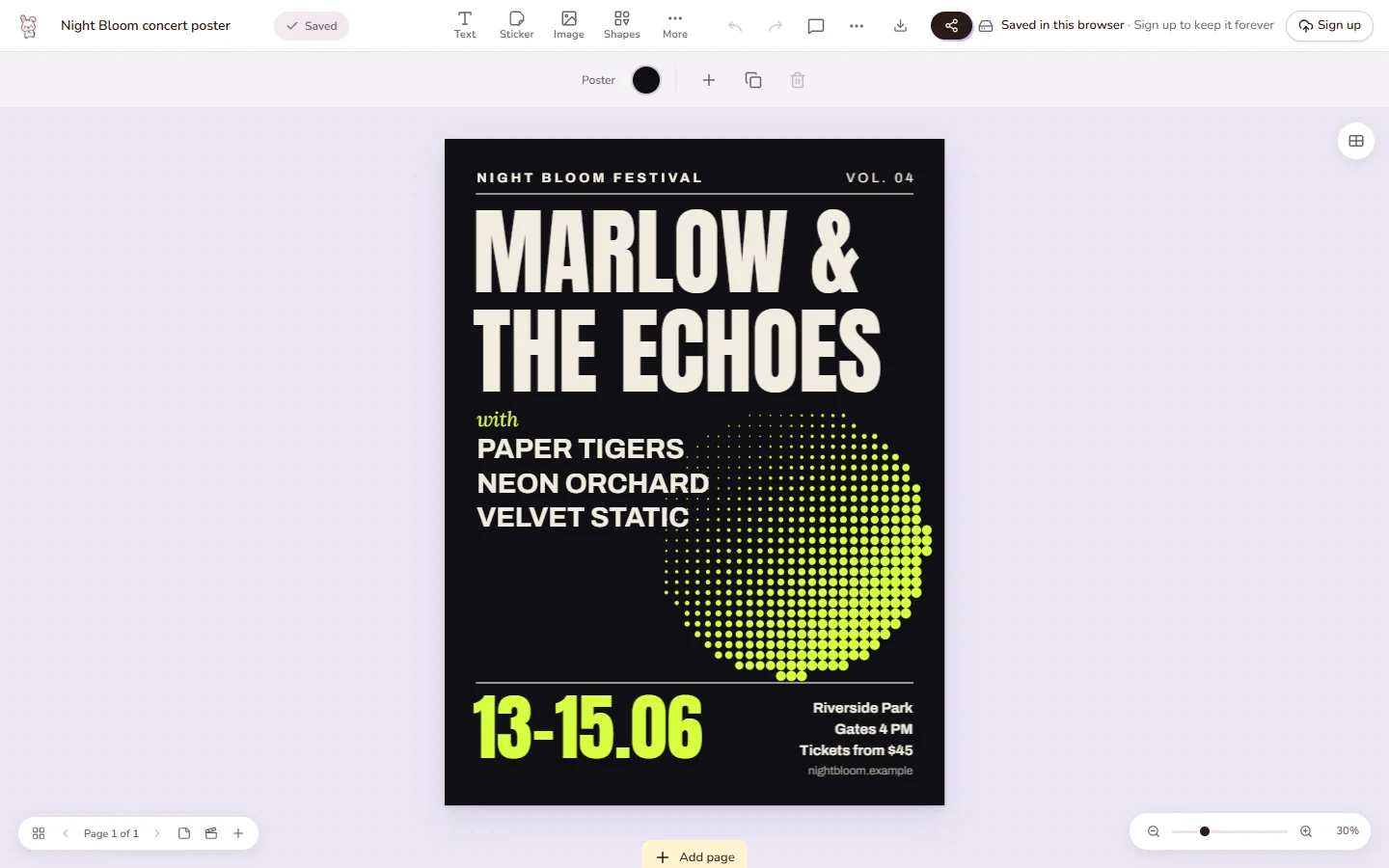
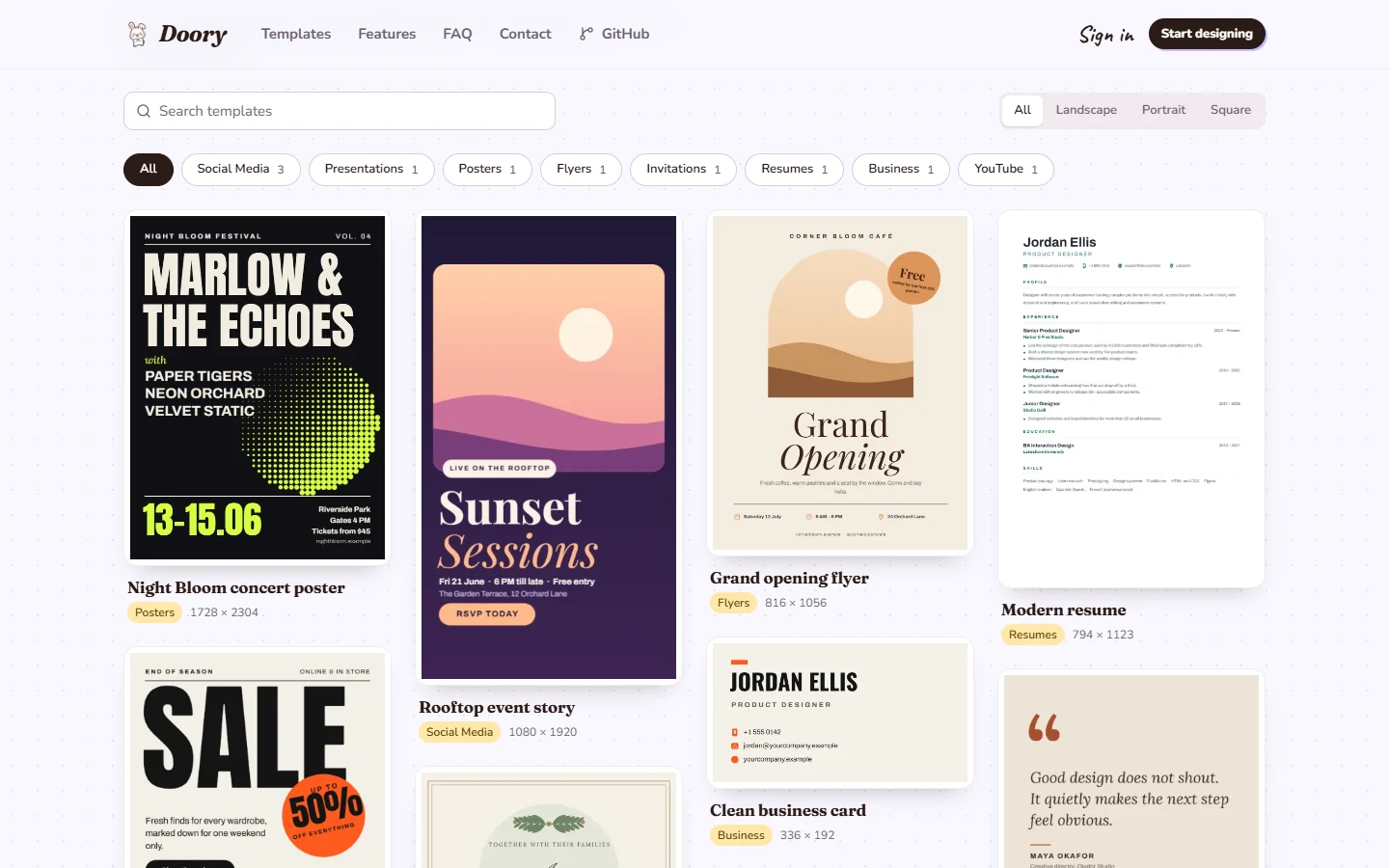
- Template-based and blank-canvas design
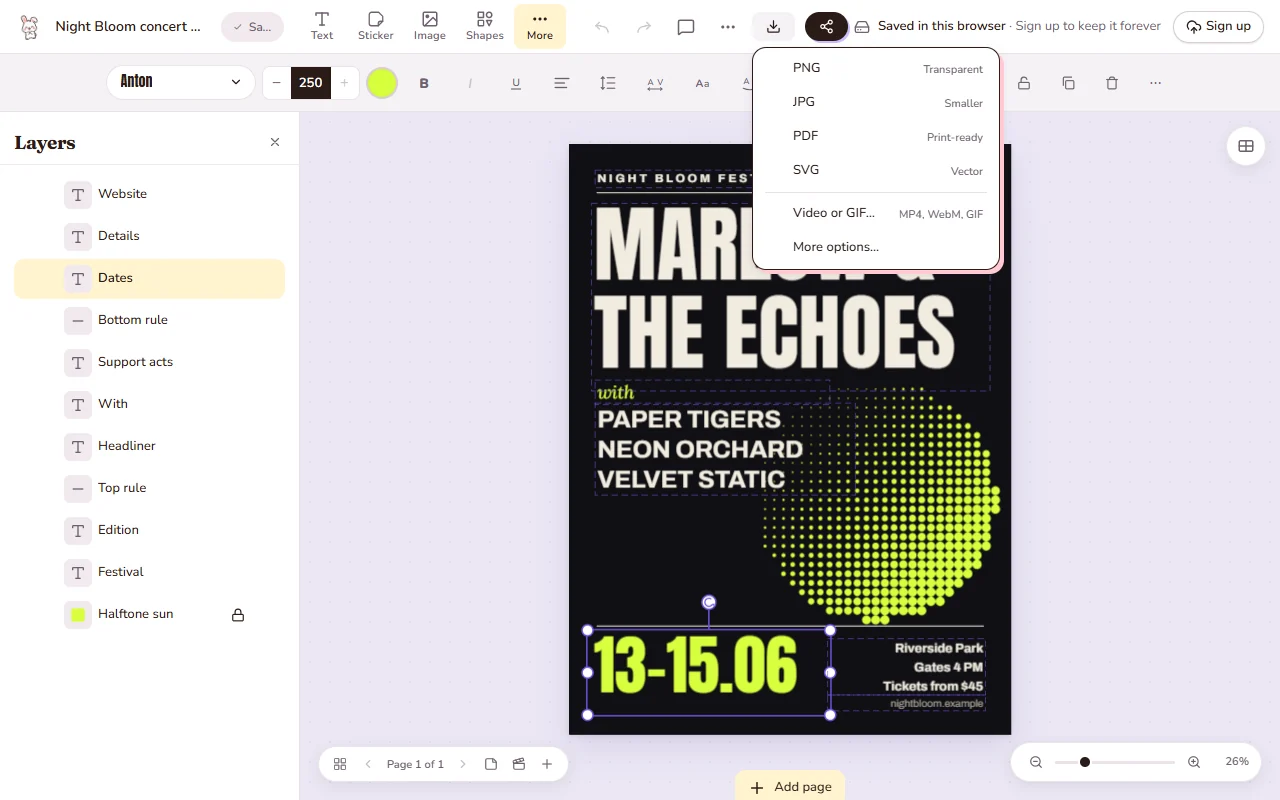
- Text, shapes, icons, emoji, illustrations, stickers, and QR codes
- Background removal in the browser
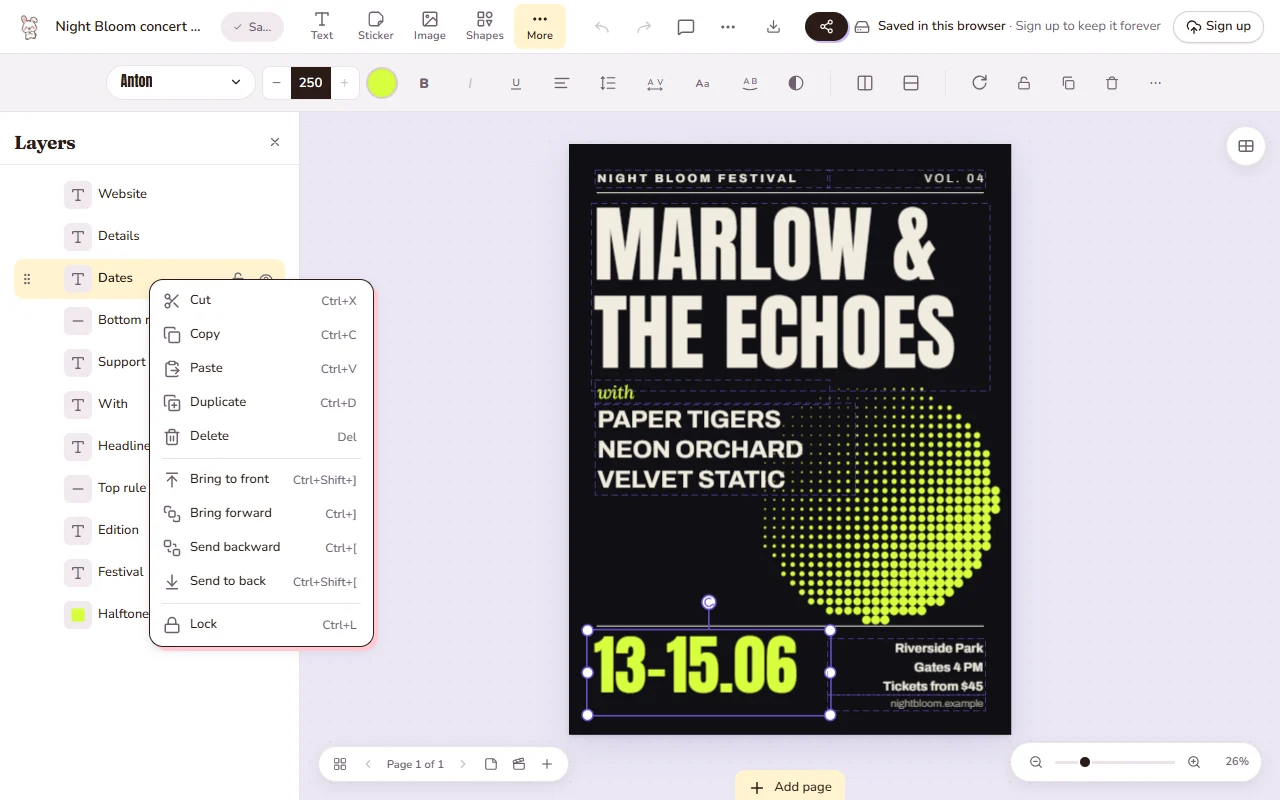
- Layers, groups, masks, filters, snapping, rulers, and multi-page layouts
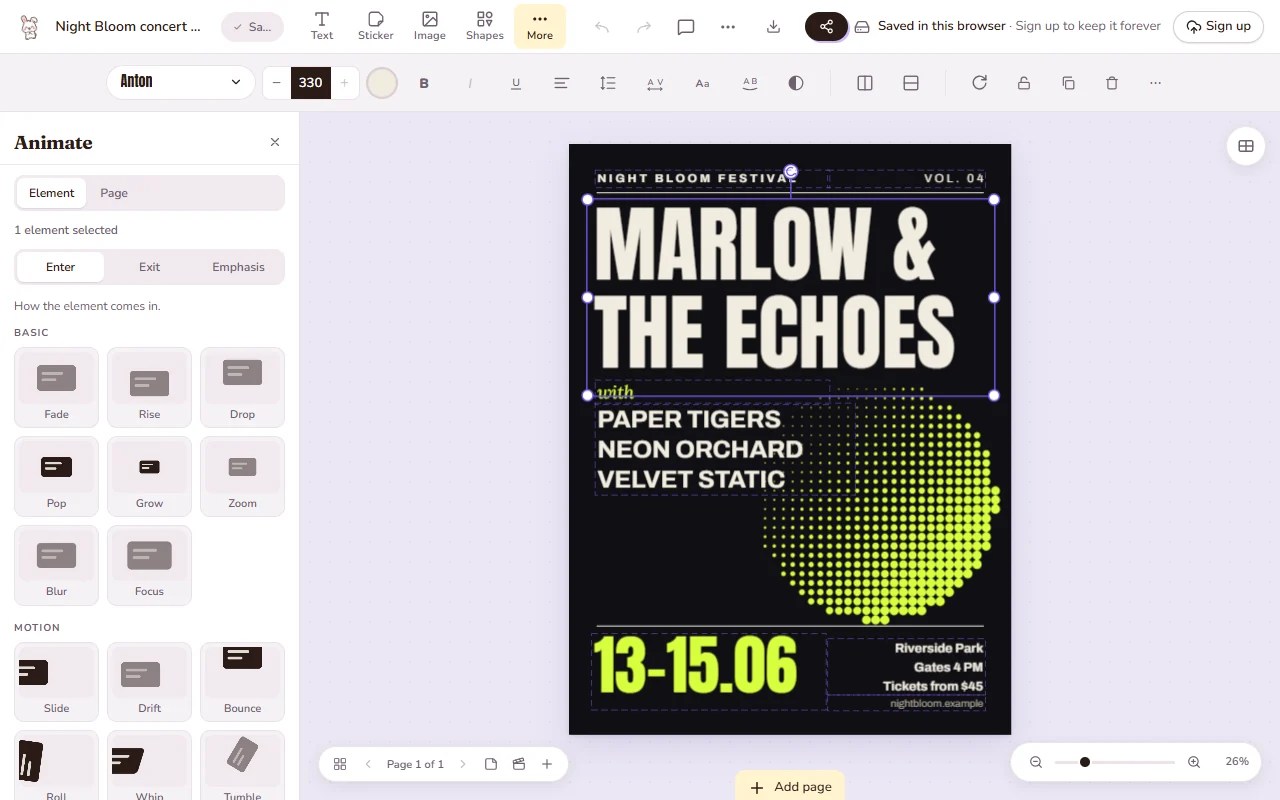
- Animations, transitions, music, sound effects, and voiceover recording
- Export to PNG, JPG, SVG, PDF, MP4, WebM, and GIF
- Present mode with speaker notes and timing
- Sharing links with view/comment/edit access
- Version history and real-time co-editing
- Brand kits and custom fonts
Details
- Last Updated
- Nov 27, 2026
- Created
- Oct 10, 2026
- Install Methods
- dockersource
- Requirements
- Docker ComposePostgreSQLChromium (for server-side PDF export)Google client ID (optional for Google sign-in)Unsplash or Pexels API key (optional for stock photo search)S3-compatible storage (optional for uploads)
- Default Port
- 8080web app
- Authentication
- oauth
- API
- RESTWEBSOCKET
- Backup & Export
- file-backupnative-export
- Privacy & Independence
- Cloud: Optional
- User Model
- Multi-User
- Deployment
Deployment: Docker Compose ✓5 Containers — moderate hosting footprintRuns as 5 containers
Run doory yourself
Pick how much you want to manage.
 HostingerSponsored
Full control
A small server, then Docker Compose.
About 20 minutes with Docker
 netcupBest match
Full control
A small server, then Docker Compose.
About 20 minutes with Docker
 Hetzner
Full control
A small server, then Docker Compose.
About 20 minutes with Docker
2 more ways to host


Some links earn us a commission. netcup pays us one and is our preferred VPS host. Hostinger is a paid sponsor and is listed first.
Is this your project? Sponsor a listing
Run doory with Docker Compose
Compose file from the doory project repository.
5 services · database: postgres · infra: postgres, redis
≈2.0 GB RAM requested (from Docker memory limits)
needs persistent storage (4 volumes)
docker-compose.yml · @ 14f0f93 · scanned Nov 3, 2026
# Doory: PostgreSQL + API (gunicorn) + real-time server (uvicorn, WebSockets for co-editing) + web (nginx
# serving the SPA and proxying the API). Redis is optional (profile "redis").
#
#   cp .env.example .env     # then edit it
#   docker compose up -d --build
#
# The site is published on http://localhost:${WEB_PORT:-8080} (set WEB_BIND=127.0.0.1 to keep it
# private to a reverse proxy running on the same host). Put a TLS-terminating reverse proxy in
# front of the `web` service for anything public.
name: doory

services:
  db:
    image: postgres:16-alpine
    restart: unless-stopped
    environment:
      POSTGRES_DB: ${POSTGRES_DB:-doory}
      POSTGRES_USER: ${POSTGRES_USER:-doory}
      POSTGRES_PASSWORD: ${POSTGRES_PASSWORD:?Set POSTGRES_PASSWORD in .env}
    volumes:
      - pgdata:/var/lib/postgresql/data
    healthcheck:
      test: ["CMD-SHELL", "pg_isready -U $${POSTGRES_USER} -d $${POSTGRES_DB}"]
      interval: 5s
      timeout: 5s
      retries: 12

  api:
    build:
      context: ./backend
      args:
        INSTALL_CHROMIUM: ${INSTALL_CHROMIUM:-true}
    restart: unless-stopped
    init: true  # reaps the Chromium child processes of the PDF export
    depends_on:
      db:
        condition: service_healthy
    env_file: .env
    security_opt:
      - no-new-privileges:true
    environment:
      DJANGO_SETTINGS_MODULE: doory.settings.prod
      DJANGO_SECRET_KEY: ${DJANGO_SECRET_KEY:?Set DJANGO_SECRET_KEY in .env}
      SITE_URL: ${SITE_URL:?Set SITE_URL in .env}
      CSRF_TRUSTED_ORIGINS: ${SITE_URL}
      DATABASE_URL: postgres://${POSTGRES_USER:-doory}:${POSTGRES_PASSWORD}@db:5432/${POSTGRES_DB:-doory}
      CACHE_URL: dbcache://doory_cache
      MEDIA_ROOT: /app/media
      REDIS_URL: ${REDIS_URL:-}
    volumes:
      - media:/app/media
    networks:
      default:
        # The name the web container's nginx uses; unique even on a network shared with other apps.
        aliases: [doory-api]
    healthcheck:
      test: ["CMD", "python", "/app/healthcheck.py"]
      interval: 15s
      timeout: 5s
      start_period: 90s
      retries: 5
    # Chromium (server-side PDF export) needs more shared memory than Docker's 64 MB default.
    shm_size: "512m"

  # Live editing: the same image as `api`, served by uvicorn so WebSockets work. Run more than one worker
  # (REALTIME_WORKERS) or replica only together with Redis: `docker compose --profile redis up -d`.
  realtime:
    build:
      context: ./backend
      args:
        INSTALL_CHROMIUM: ${INSTALL_CHROMIUM:-true}
    restart: unless-stopped
    init: true
    # A hostile update can make the CRDT engine allocate a lot of memory; the limit makes the kernel stop this
    # service (and `restart` bring it back) instead of starving the host.
    mem_limit: ${REALTIME_MEM_LIMIT:-2g}
    depends_on:
      api:
        condition: service_healthy
      redis:
        condition: service_healthy
        required: false
    env_file: .env
    security_opt:
      - no-new-privileges:true
    environment:
      DJANGO_SETTINGS_MODULE: doory.settings.prod
      DJANGO_SECRET_KEY: ${DJANGO_SECRET_KEY:?Set DJANGO_SECRET_KEY in .env}
      SITE_URL: ${SITE_URL:?Set SITE_URL in .env}
      CSRF_TRUSTED_ORIGINS: ${SITE_URL}
      DATABASE_URL: postgres://${POSTGRES_USER:-doory}:${POSTGRES_PASSWORD}@db:5432/${POSTGRES_DB:-doory}
      CACHE_URL: dbcache://doory_cache
      MEDIA_ROOT: /app/media
      REDIS_URL: ${REDIS_URL:-}
      HEALTH_PORT: "8001"
    volumes:
      - media:/app/media
    networks:
      default:
        aliases: [doory-realtime]
    command:
      - uvicorn
      - doory.asgi:application
      - --host
      - 0.0.0.0
      - --port
      - "8001"
      - --workers
      - ${REALTIME_WORKERS:-1}
      - --ws
      - auto
      - --ws-max-size
      - "2097152"
      - --lifespan
      - "off"
      - --no-server-header
      - --timeout-graceful-shutdown
      - "20"
    healthcheck:
      test: ["CMD", "python", "/app/healthcheck.py"]
      interval: 15s
      timeout: 5s
      start_period: 60s
      retries: 5

  # Optional: shares live rooms between several realtime workers or replicas. Nothing is stored in it.
  redis:
    image: redis:7.2-alpine
    profiles: ["redis"]
    restart: unless-stopped
    command: ["redis-server", "--save", "", "--appendonly", "no"]
    healthcheck:
      test: ["CMD", "redis-cli", "ping"]
      interval: 5s
      timeout: 3s
      retries: 12

  web:
    build:
      context: ./frontend
    restart: unless-stopped
    security_opt:
      - no-new-privileges:true
    depends_on:
      api:
        condition: service_healthy
      realtime:
        condition: service_healthy
    ports:
      - "${WEB_BIND:-0.0.0.0}:${WEB_PORT:-8080}:8080"
    volumes:
      - media:/srv/media:ro

volumes:
  pgdata:
  media:
This file may be out of date. Check the doory website for current setup steps.
Track your self-hosted stack
Bookmark software to try, rate tools you've used, and keep your collection in one place.
Alternatives to doory

HyCanvas

Aktivisda

penpot

miniPaint
Digicard
Related Software

open-pencil

ShipShipShip

Reactive Resume

FableCut

XBackBone

FossFLOW

HedgeDoc
