


VERT
★ 16.4kVERT is a file conversion utility that uses WebAssembly to convert files on a user's device.
Community Ratings
No ratings yetNew this week
Read recap →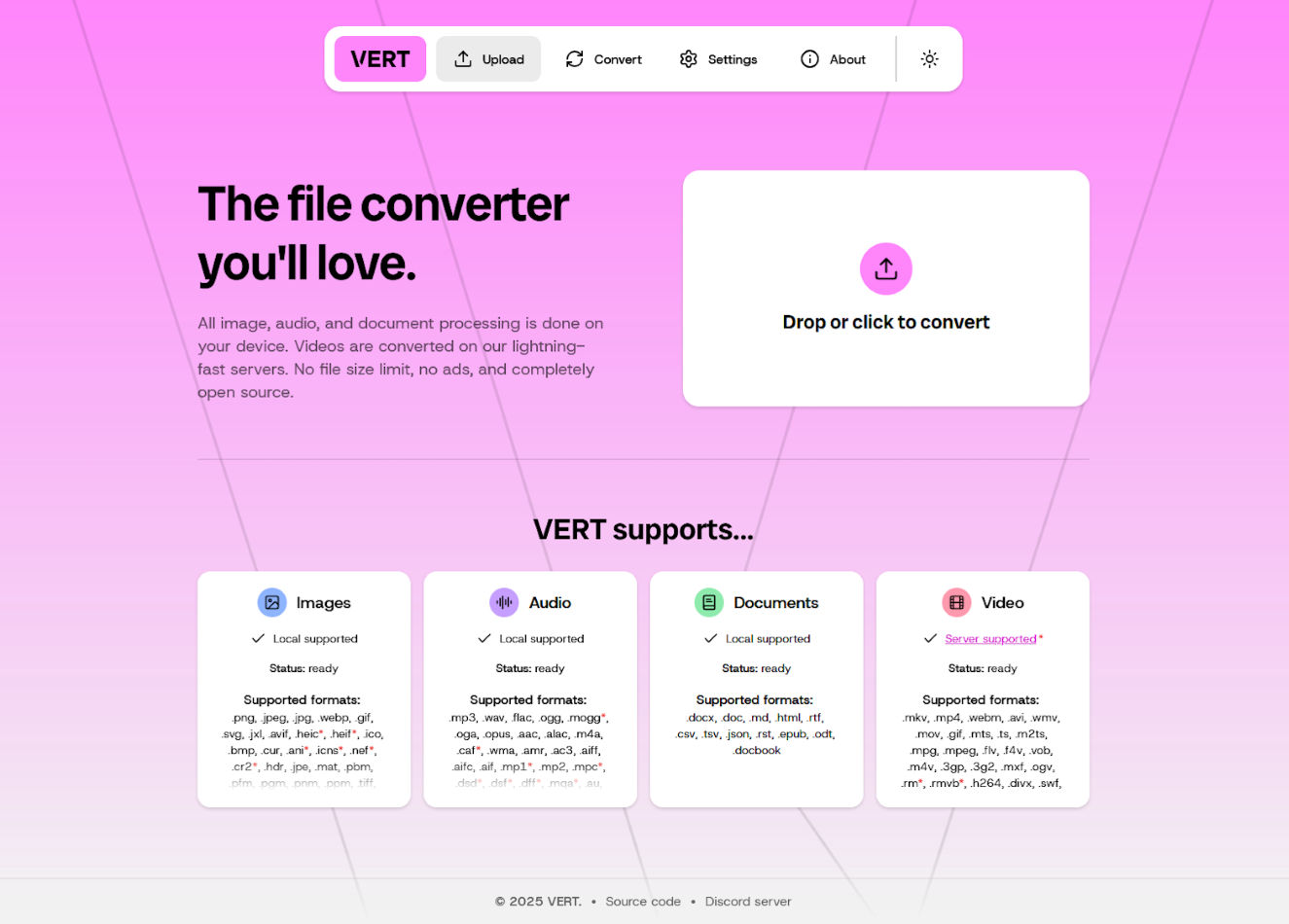
Features
- On-device file conversion using WebAssembly
- No file or file size limits
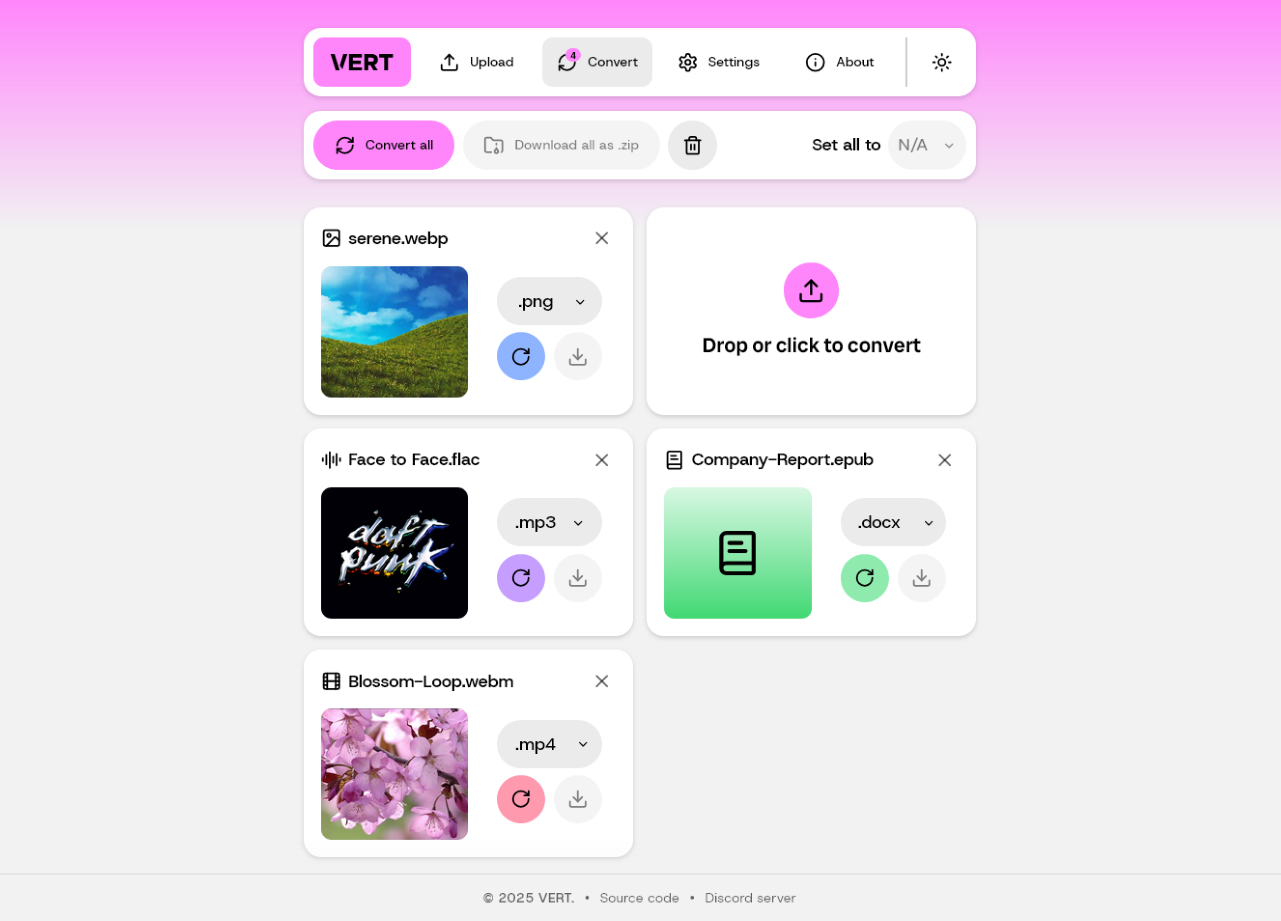
- Image, audio, document, and video conversion
- Support for over 250 file formats
- Conversion settings
- User-friendly interface
Details
- Last Updated
- Nov 29, 2026
- Created
- Nov 11, 2024
- Install Methods
- docker
- Requirements
- VERT daemon for server-side video conversion
- Default Port
- 3000From the project's Compose file
- Privacy & Independence
- Cloud: OptionalOffline Capable
- Deployment
Deployment: Docker Compose ✓Single Container — minimal hosting footprintsingle container
Run VERT yourself
Pick how much you want to manage.
 HostingerSponsored
One click
Hostinger template, runs in your own Hostinger account.
About 5 minutes to running
 CoolifyBest match
One click on your server
Coolify template for your own server.
About 10 minutes if you run Coolify
 netcup
Full control
A small server, then Docker Compose.
About 20 minutes with Docker
6 more ways to host
 HetznerA small server, then Docker Compose.(opens in a new tab)
 DigitalOceanA small server, then Docker Compose.(opens in a new tab)
 OVHcloudA small server, then Docker Compose.(opens in a new tab)
- HostingeraffiliateA small server, then Docker Compose.(opens in a new tab)
 UmbrelInstall it from Umbrel on your home server.(opens in a new tab)
 YunoHostInstall it from YunoHost on your home server.(opens in a new tab)
Some links earn us a commission. netcup pays us one and is our preferred VPS host. Hostinger is a paid sponsor and is listed first.
Is this your project? Sponsor a listing
Run VERT with Docker Compose
Compose file from the VERT project repository.
1 service
no resource limits declared
docker-compose.yml · @ 9d2c9d8 · scanned Nov 26, 2026
services:
    vert:
        container_name: vert
        image: ghcr.io/vert-sh/vert:latest
        build:
            context: .
            args:
                PUB_HOSTNAME: ${PUB_HOSTNAME:-localhost:5173}
                PUB_PLAUSIBLE_URL: ${PUB_PLAUSIBLE_URL:-}
                PUB_ENV: ${PUB_ENV:-production}
                PUB_DISABLE_ALL_EXTERNAL_REQUESTS: ${PUB_DISABLE_ALL_EXTERNAL_REQUESTS:-false}
                PUB_VERTD_URL: ${PUB_VERTD_URL:-https://vertd.vert.sh}
                PUB_DONATION_URL: ${PUB_DONATION_URL:-https://donations.vert.sh}
                PUB_STRIPE_KEY: ${PUB_STRIPE_KEY:-pk_live_51TlrPaFTPjkhEGBSu5Kwy5jJQYxcX5yUUHXiH5g7Xzvb0NKzDqbooc126HjlW35uUkfAgQN2ruEoCuyQynoxpKaA00ojFgQ116}
                PUB_DISABLE_FAILURE_BLOCKS: ${PUB_DISABLE_FAILURE_BLOCKS:-false}
        restart: unless-stopped
        ports:
            - ${PORT:-3000}:80
This file may be out of date. Check the VERT website for current setup steps.
Tags
Track your self-hosted stack
Bookmark software to try, rate tools you've used, and keep your collection in one place.
Alternatives to VERT

ConvertX
Digitranscode

Transmute

Gotenberg

ImgCompress

OmniTools

imagor

pdf-dark
Related Software
Digirecord
Tube

OpenReader

HomeTube

URL-to-PNG

MeTube

Mayan EDMS
