

re:Director
★ 49About
Community Ratings
No ratings yetNew this week
Read recap →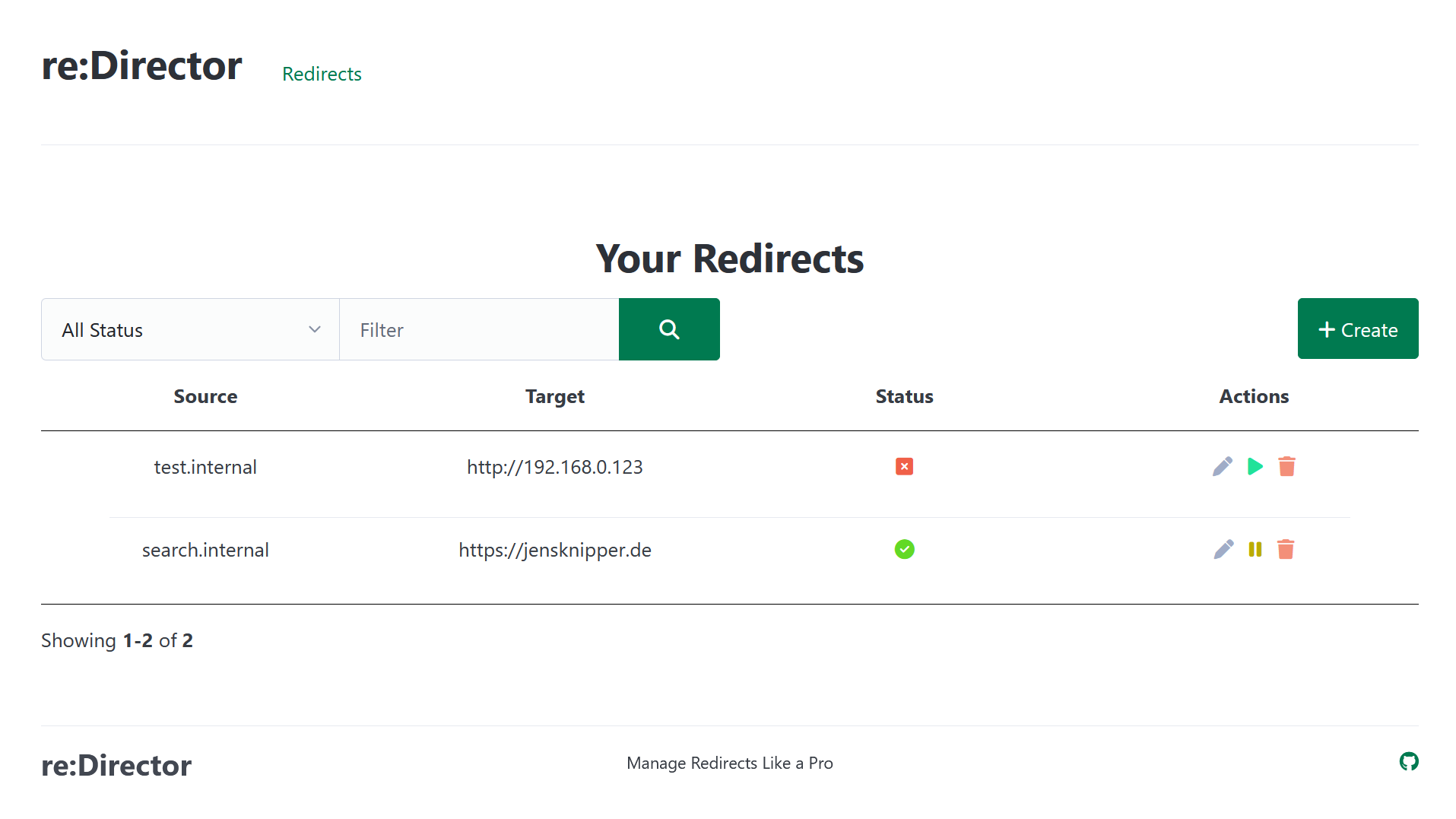
Features
- redirect management
- redirect filtering
- pause and resume redirects
- HTTP status code selection
- dark mode
- responsive design
- path forwarding
- query forwarding
- authentication
- base URL configuration
Details
- Last Updated
- Nov 10, 2026
- Created
- May 11, 2025
- Install Methods
- sourcedockerdocker-compose
- Requirements
- Java 27
- Default Port
- 80web UI
- Authentication
- local
- Runtime / Stack
- JavaDocker
- Privacy & Independence
- No Cloud Required
- Theming
- Dark modeFollows system theme
- Deployment
Deployment: Docker Compose ✓Single Container — minimal hosting footprintsingle container
Run re:Director yourself
Pick how much you want to manage.
 netcupBest match
Full control
A small server, then Docker Compose.
About 20 minutes with Docker
 Hetzner
Full control
A small server, then Docker Compose.
About 20 minutes with Docker
 DigitalOcean
Full control
A small server, then Docker Compose.
About 20 minutes with Docker
1 more way to host

Some links earn us a commission. netcup pays us one and is our preferred VPS host.
Is this your project? Sponsor a listing
Run re:Director with Docker Compose
Compose file from the re:Director project repository.
1 service
no resource limits declared
needs persistent storage (1 volume)
docker/docker-compose.yml · @ 1d42f3b · scanned Nov 11, 2026
services:
  re-director:
    image: jensknipper/re-director:0.1.0
    restart: unless-stopped
    ports:
      - "80:80"
    volumes:
      - re-director-data:/data

volumes:
  re-director-data:
This file may be out of date. Check the re:Director documentation for current setup steps.
Tags
Track your self-hosted stack
Bookmark software to try, rate tools you've used, and keep your collection in one place.
Alternatives to re:Director

Chhoto URL

Kutt

Shlink

YOURLS

Slash

clink
Related Software

Nginx Proxy Manager

bit

Tipi

Zoraxy

Heimdall

Simple-URL-Shortener
rs-short

godoxy

LinkStack

Homarr
