

NeonLink
★ 419About
Community Ratings
No ratings yetNew this week
Read recap →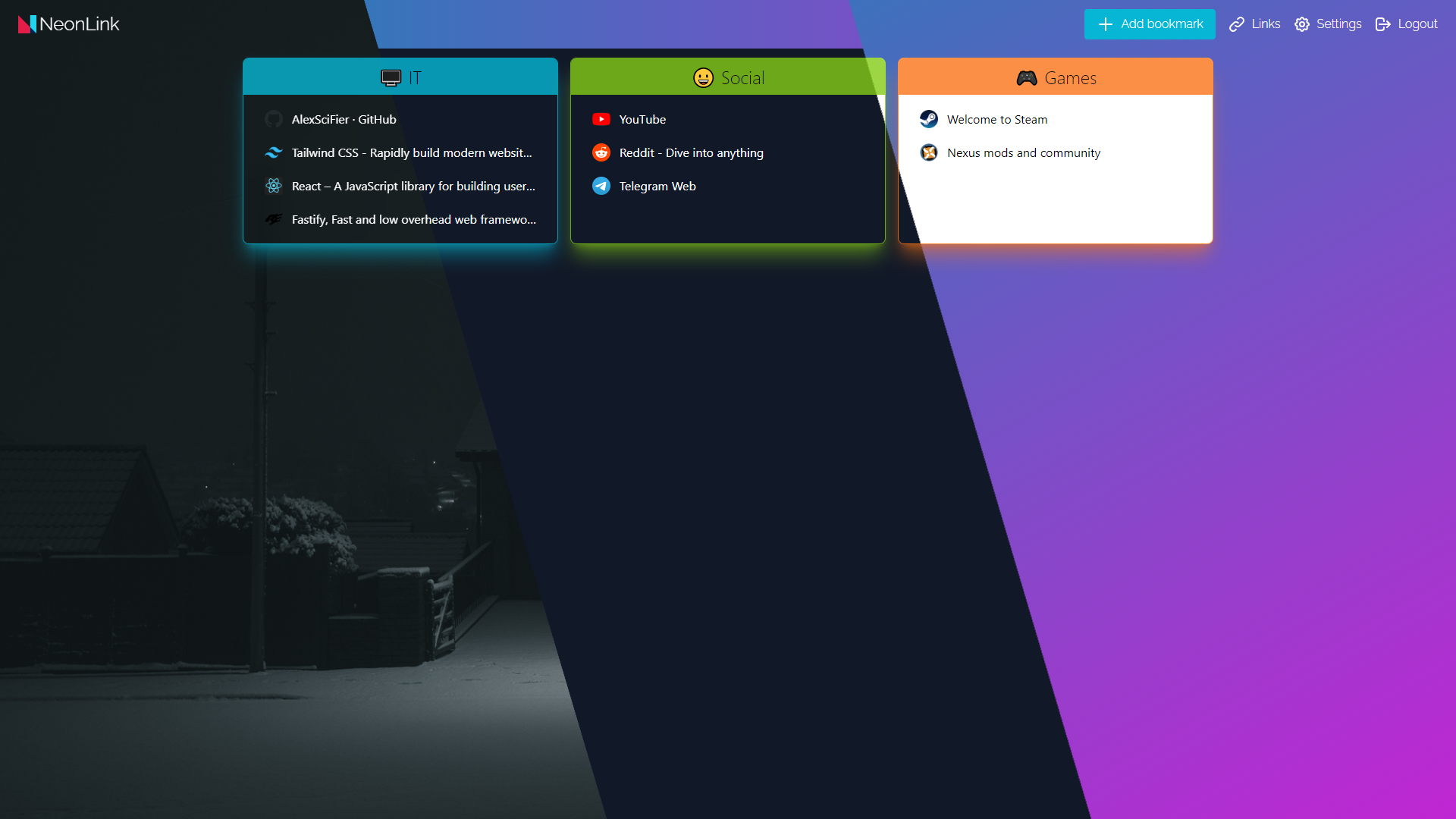
Features
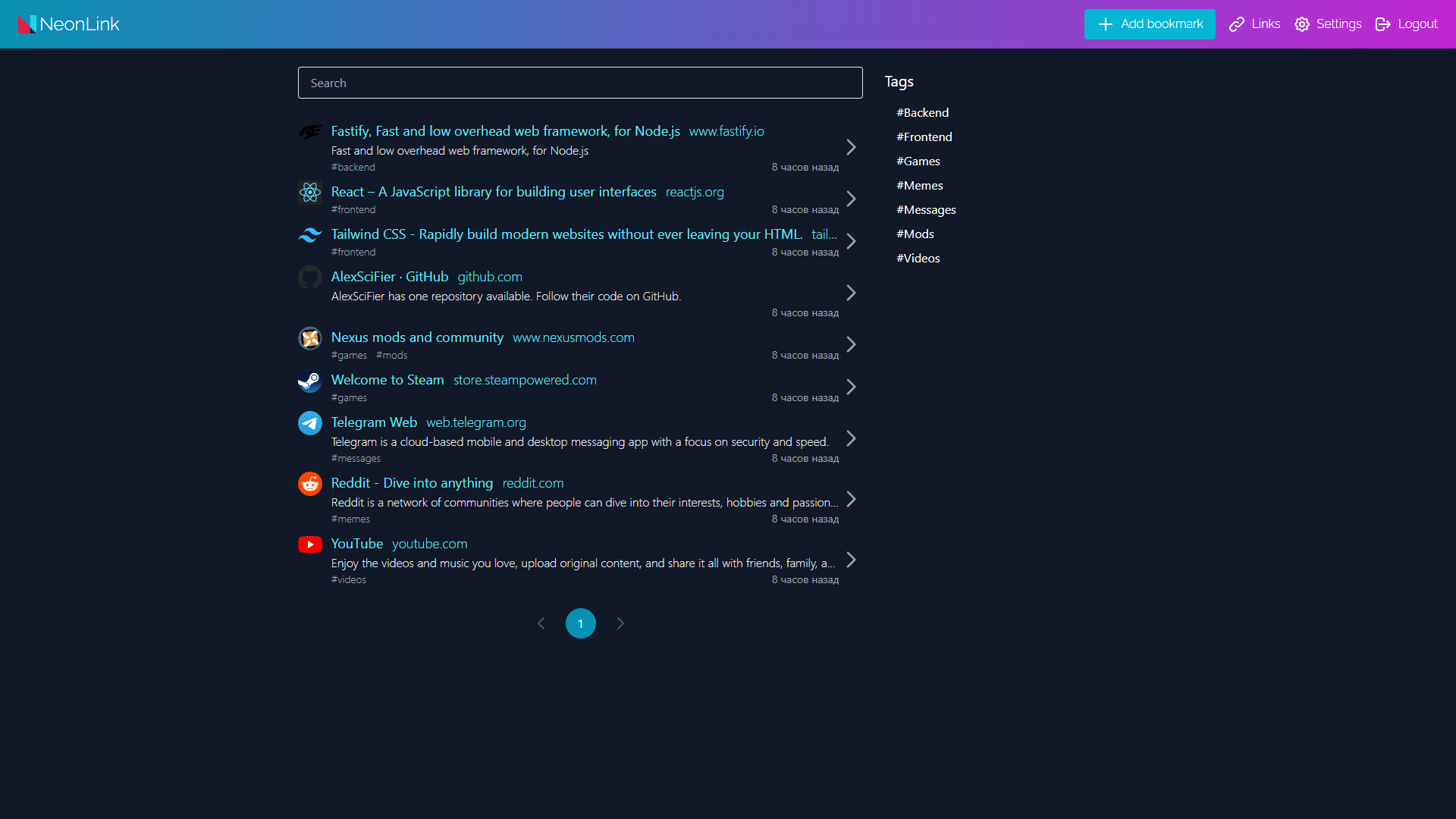
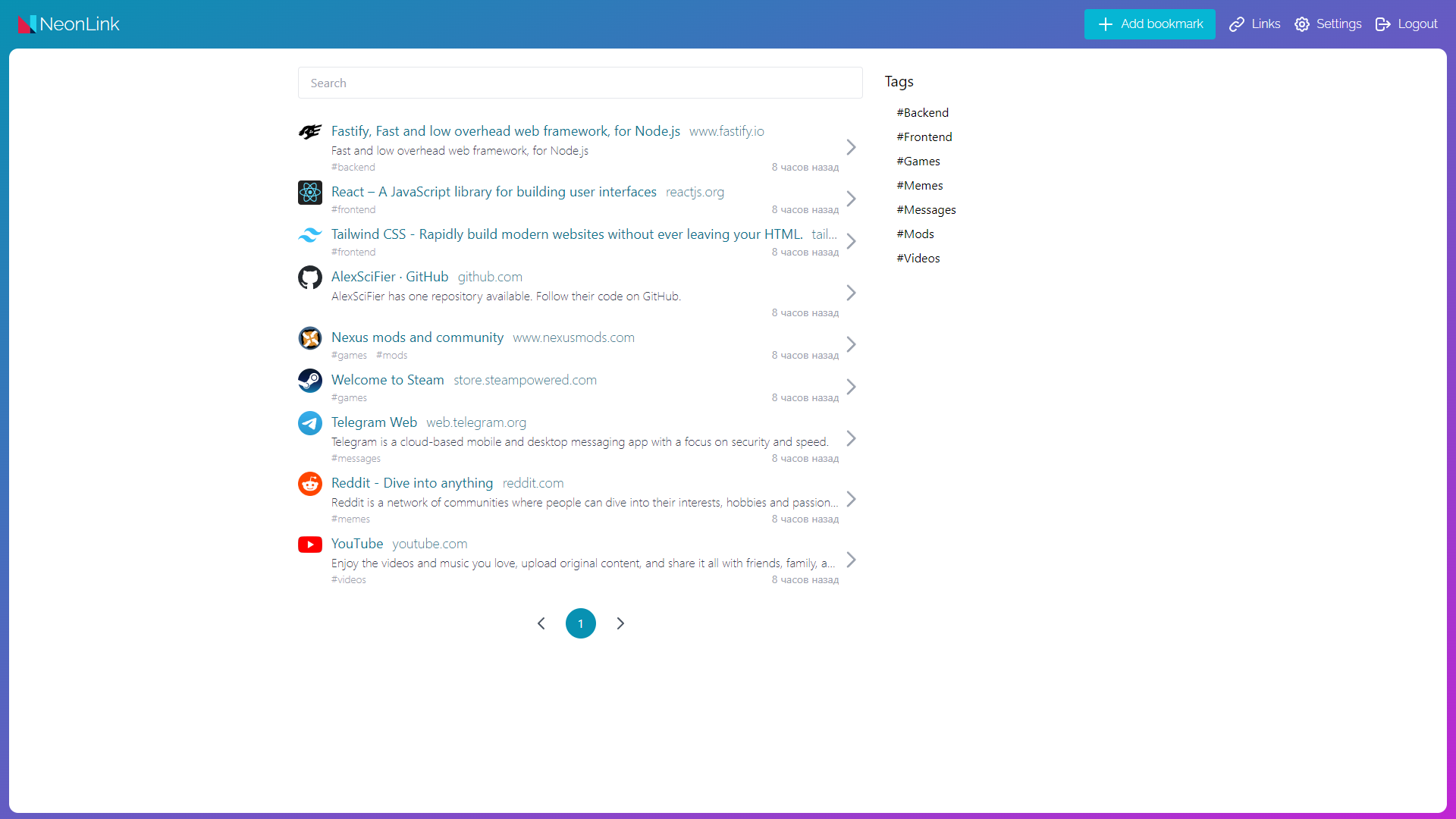
- Tags
- Search
- Auto icon, title, description
- Customizable background
- Lightweight
- Private
- Dashboard
Details
- Last Updated
- Nov 7, 2026
- Created
- Apr 19, 2022
- Install Methods
- dockerdocker-composesource
- Requirements
- Node.jsnpmSQLite
- Default Port
- 80From the project's Compose file
- Runtime / Stack
- Docker
- Privacy & Independence
- No Cloud Required
- Deployment
Deployment: Docker Compose ✓Single Container — minimal hosting footprintsingle container
Run NeonLink yourself
Pick how much you want to manage.
 netcupBest match
Full control
A small server, then Docker Compose.
About 20 minutes with Docker
 Hetzner
Full control
A small server, then Docker Compose.
About 20 minutes with Docker
 DigitalOcean
Full control
A small server, then Docker Compose.
About 20 minutes with Docker
1 more way to host

Some links earn us a commission. netcup pays us one and is our preferred VPS host.
Is this your project? Sponsor a listing
Run NeonLink with Docker Compose
Compose file from the NeonLink project repository.
1 service
no resource limits declared
needs persistent storage (2 volumes)
docker-compose.yml · @ 09c0afd · scanned Nov 3, 2026
version: "3.8"

services:
  neonlink:
    image: alexscifier/neonlink
    container_name: neonlink
    # user: 1000:1000 # optional
    volumes:
      - ./data:/app/data
      - ./background:/app/public/static/media/background
    restart: unless-stopped
    environment:
      FASTIFY_PLUGIN_TIMEOUT: 120000 # optional: change to 0 if AVV_ERR_READY TIMEOUT error is occured
    ports:
      - "80:3333"
This file may be out of date. Check the NeonLink website for current setup steps.
Tags
Mentions Raspberry Pi in its docs: Self-hosted apps for Raspberry Pi
Track your self-hosted stack
Bookmark software to try, rate tools you've used, and keep your collection in one place.
Alternatives to NeonLink

linkding

gobookmarks

Faved

LinkAce

Servas

Buku
Related Software

Shaarli

Slash

LinkStack

Shiori

Grimoire

Espial
