

Tome
★ 109About
Community Ratings
No ratings yetNew this week
Read recap →
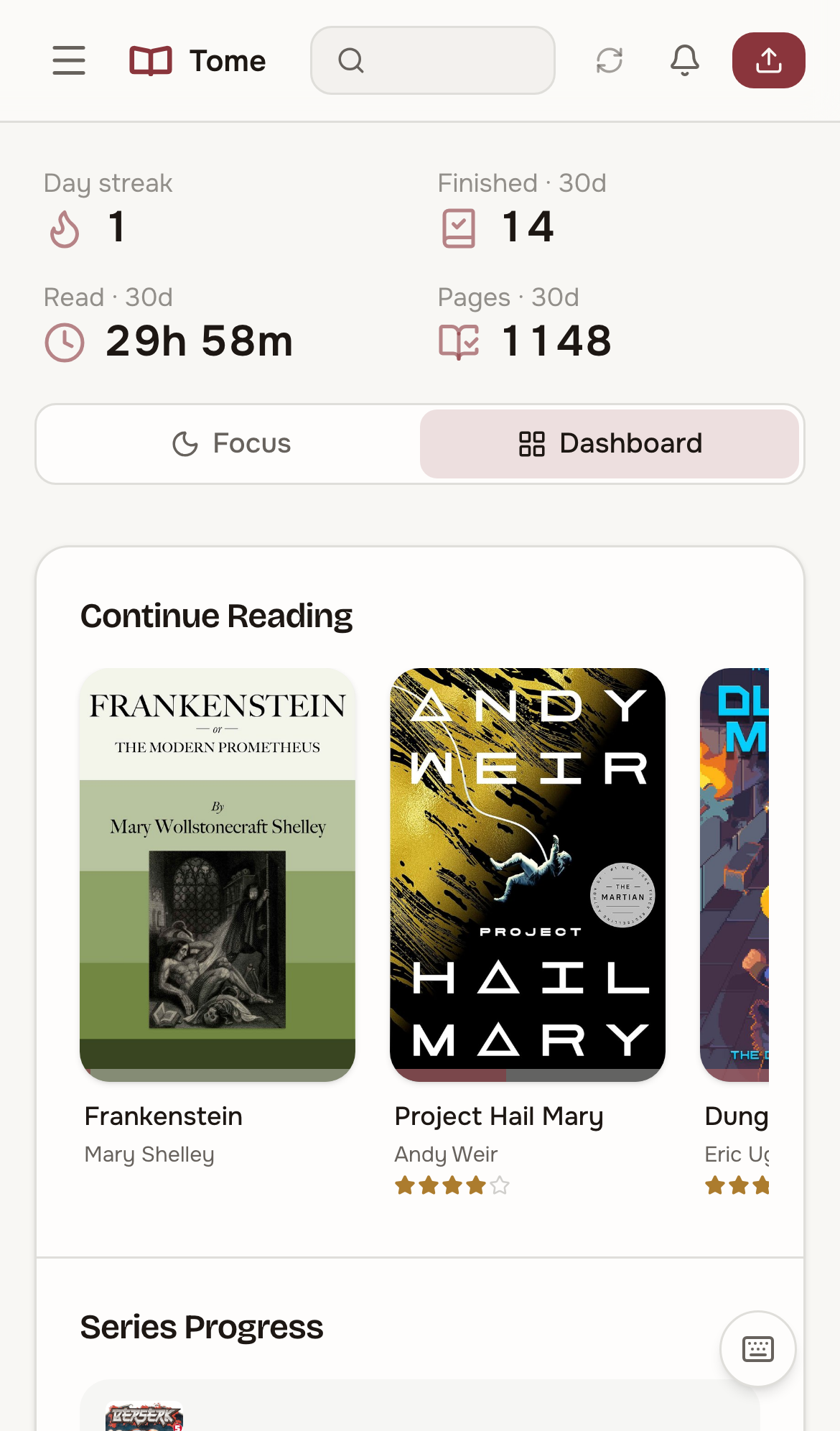
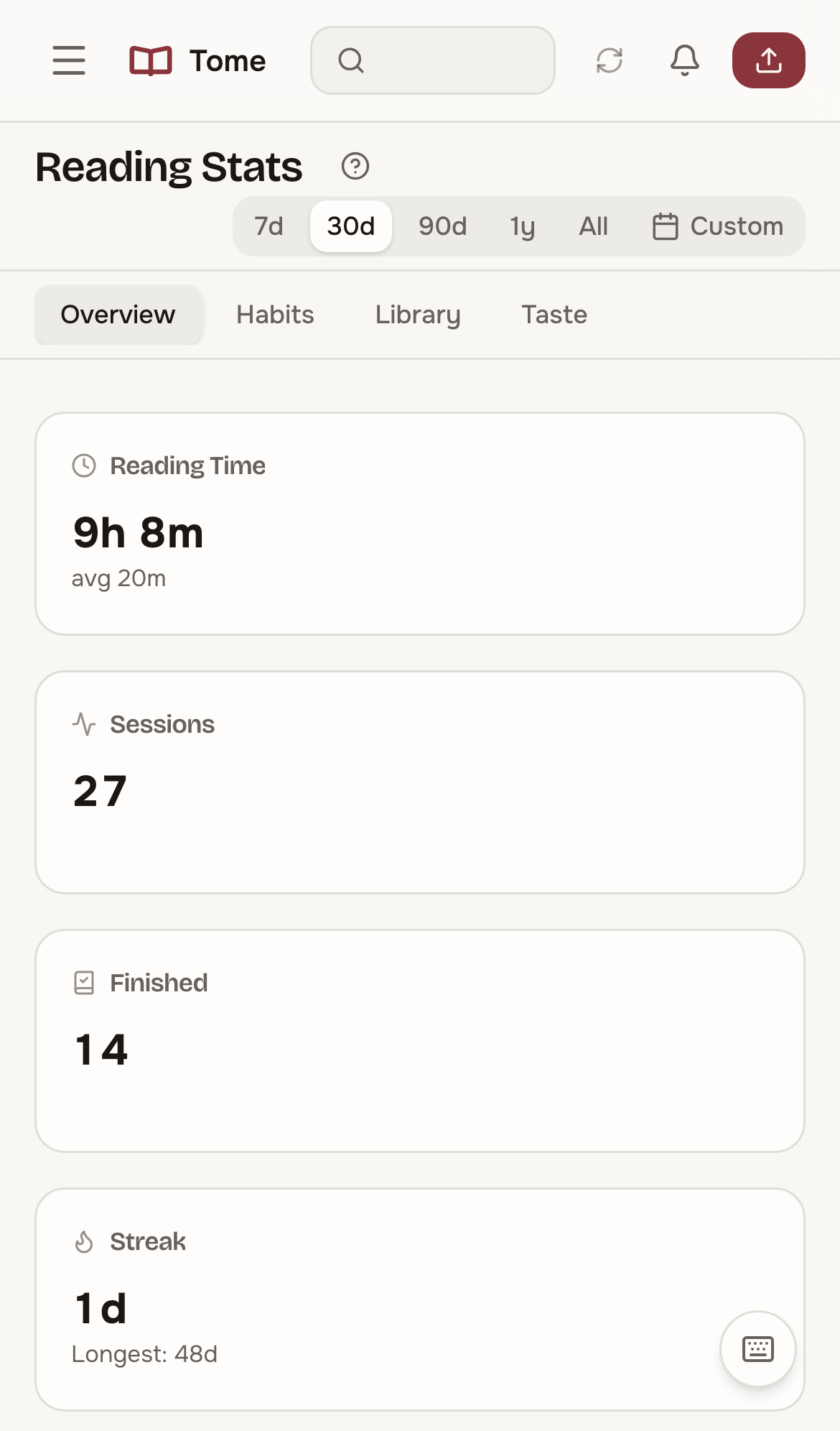
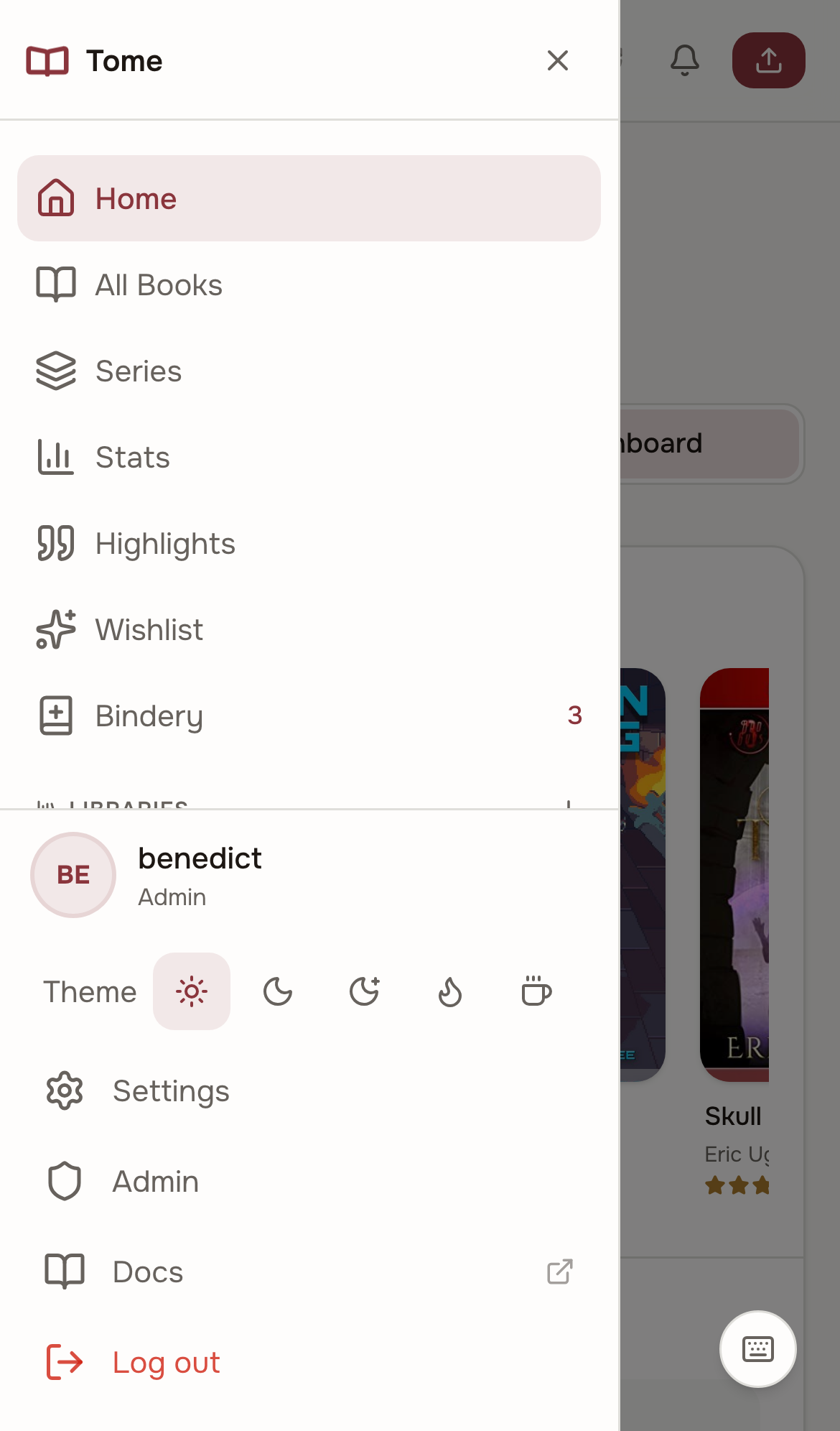
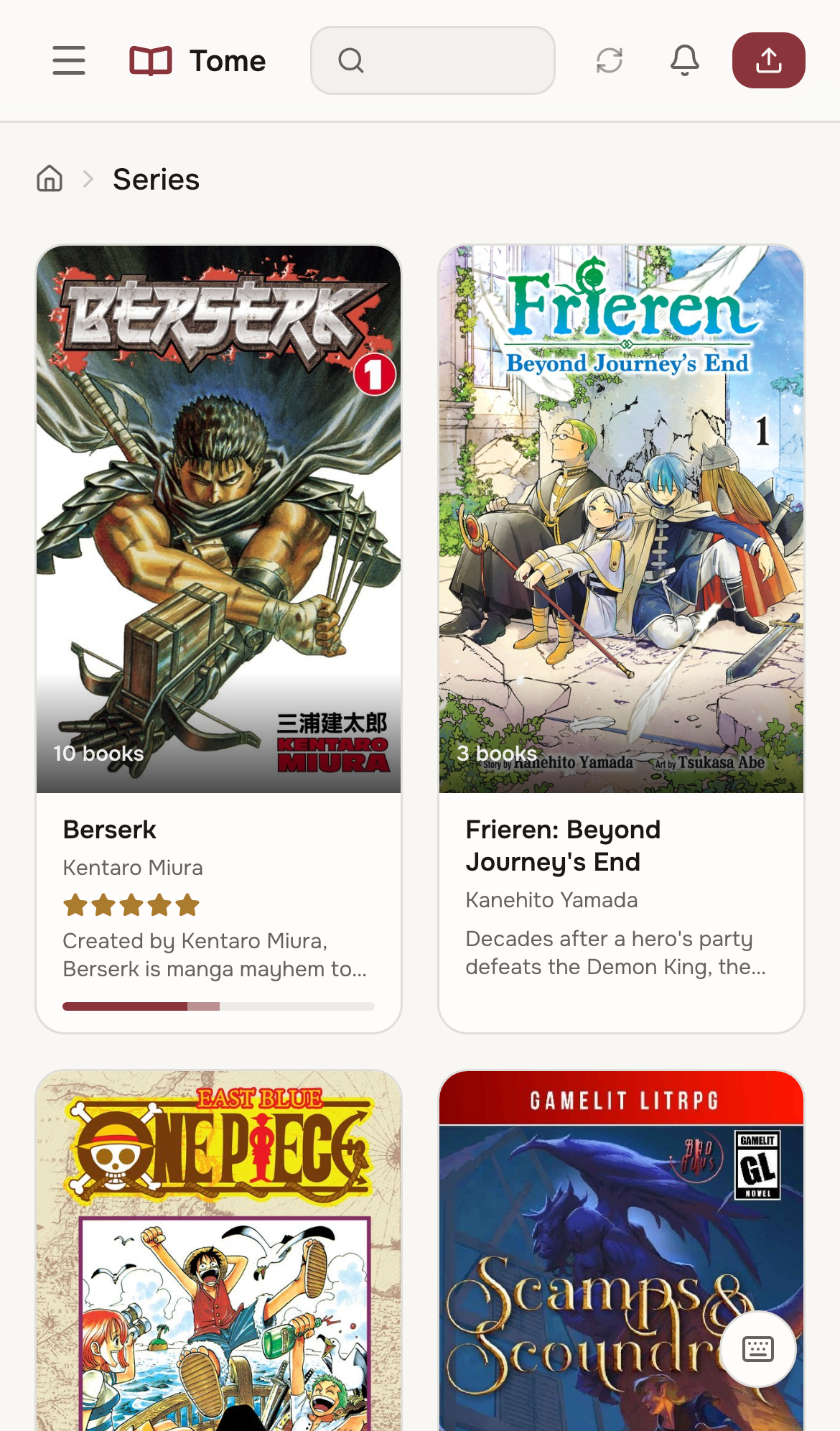
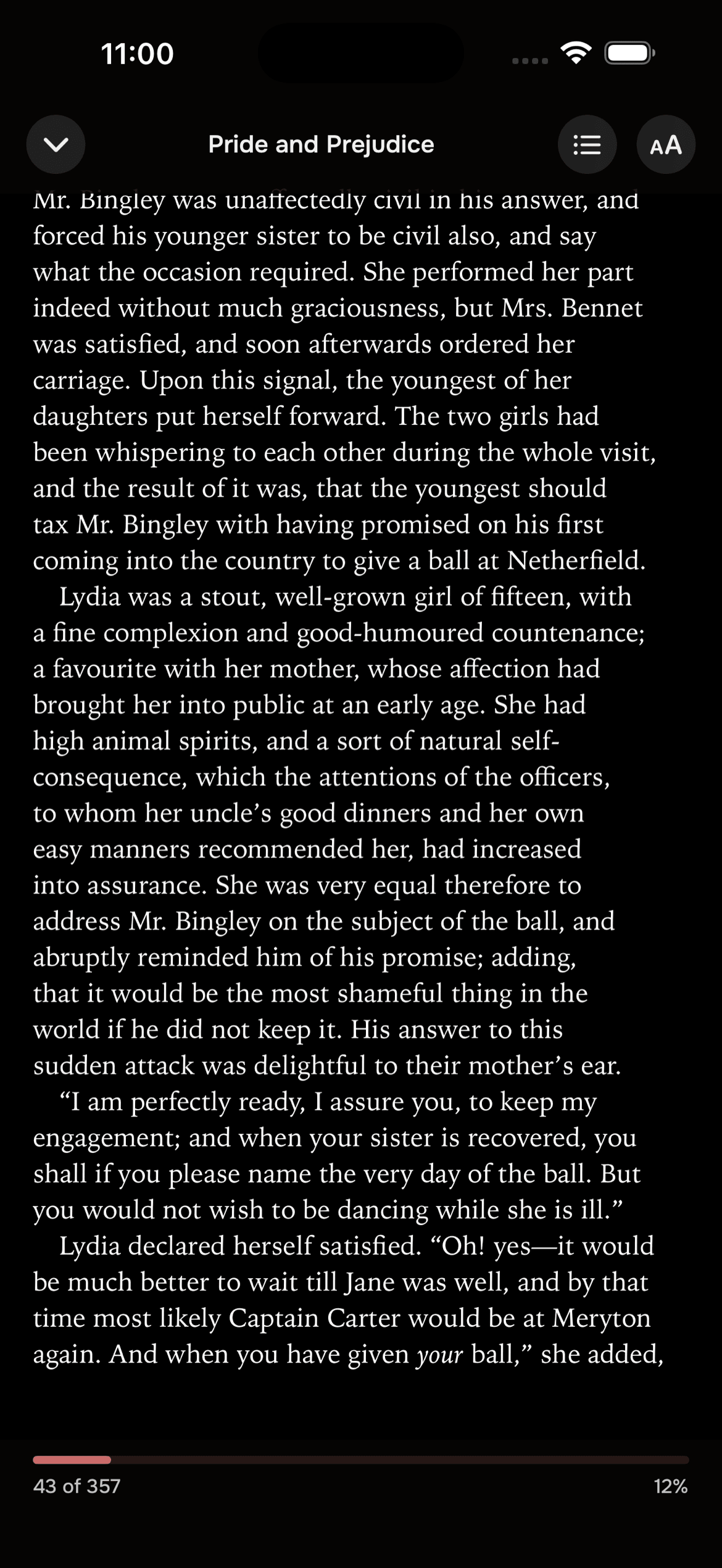
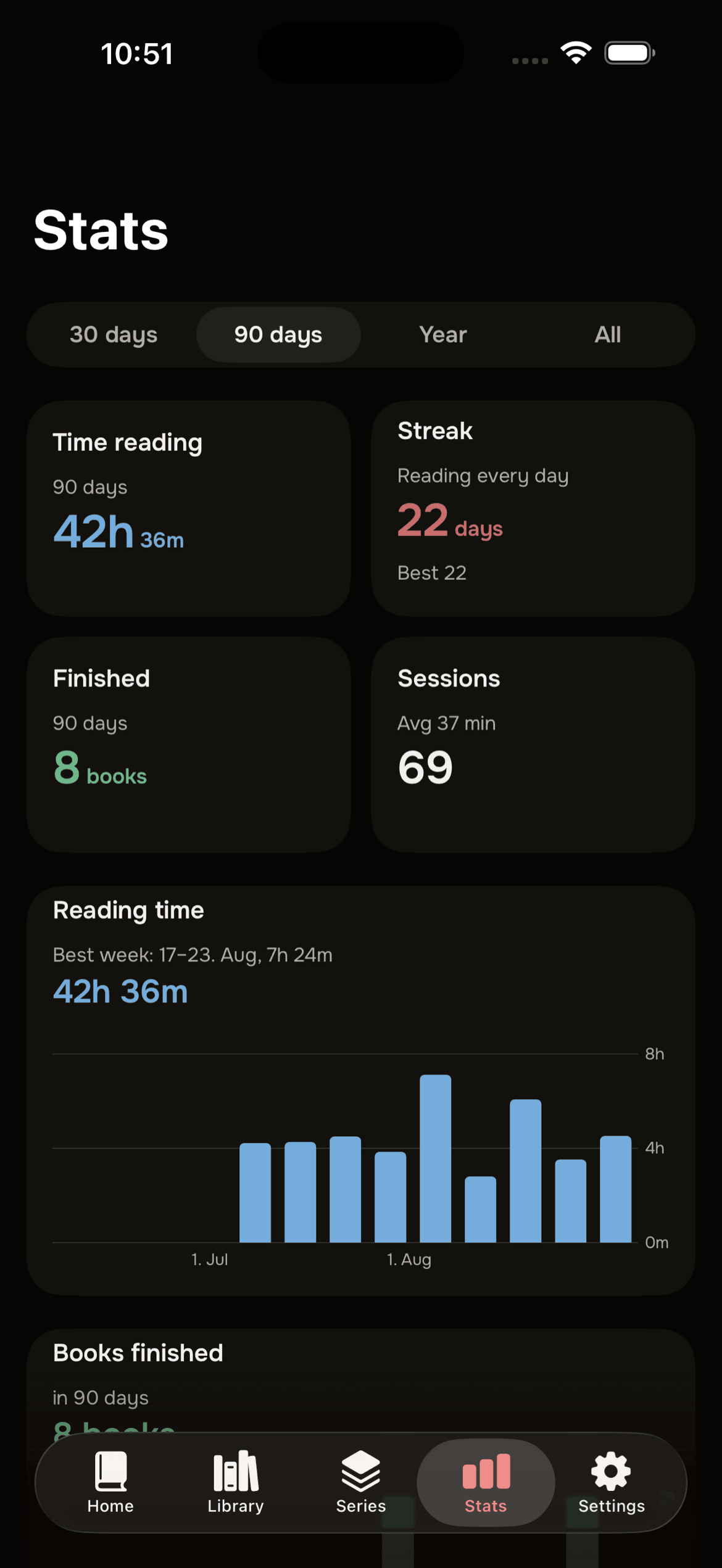
Features
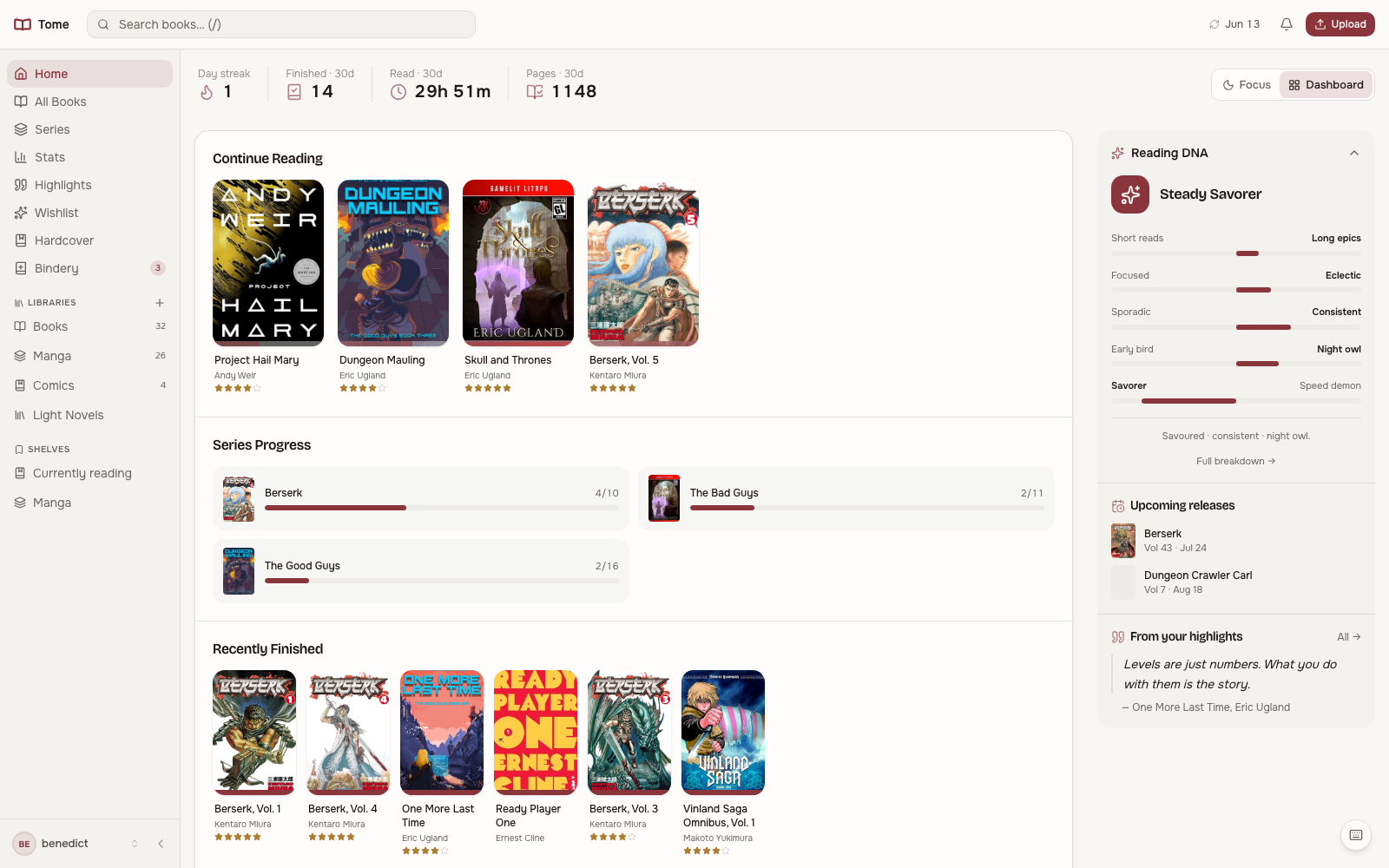
- KOReader sync plugin
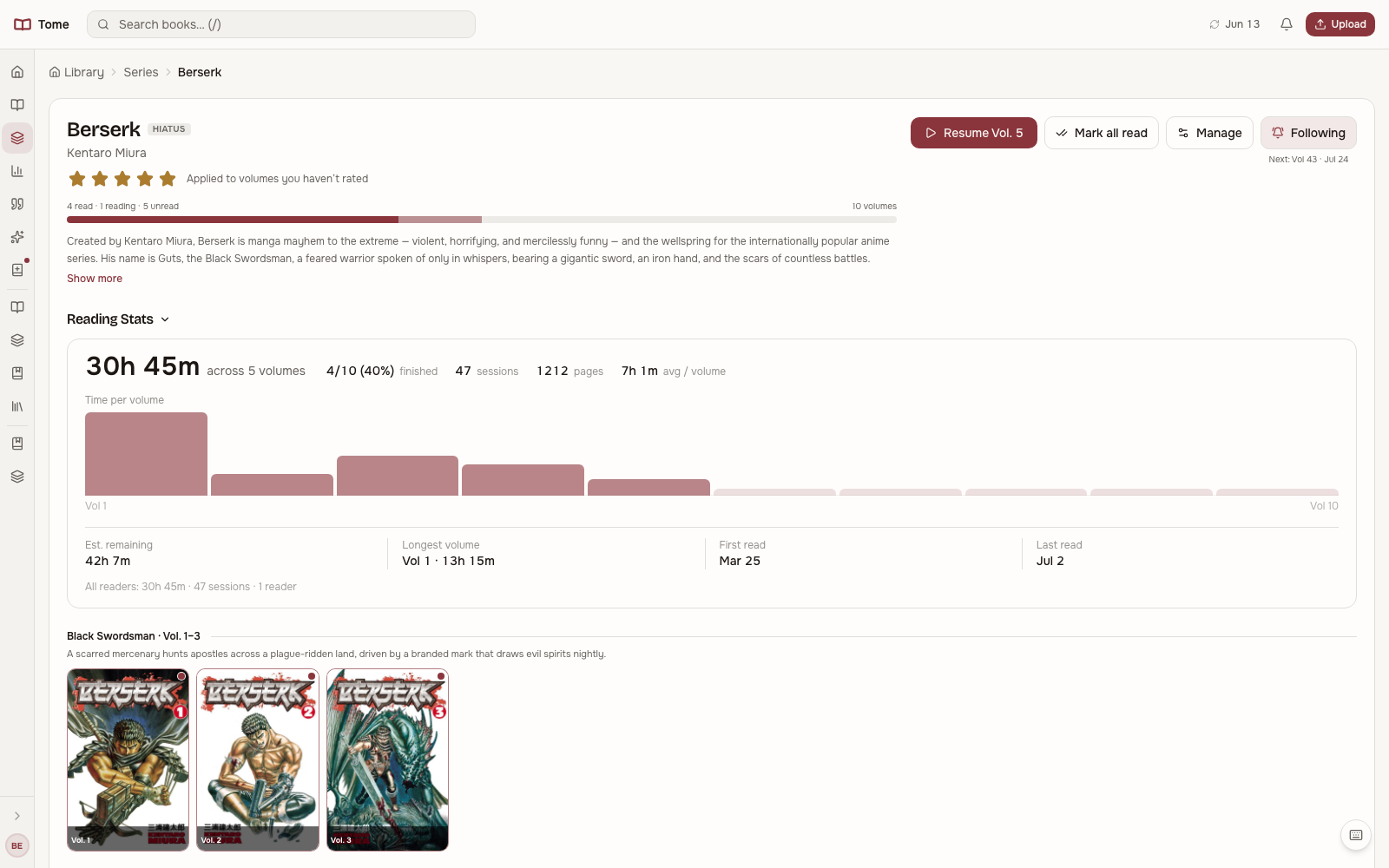
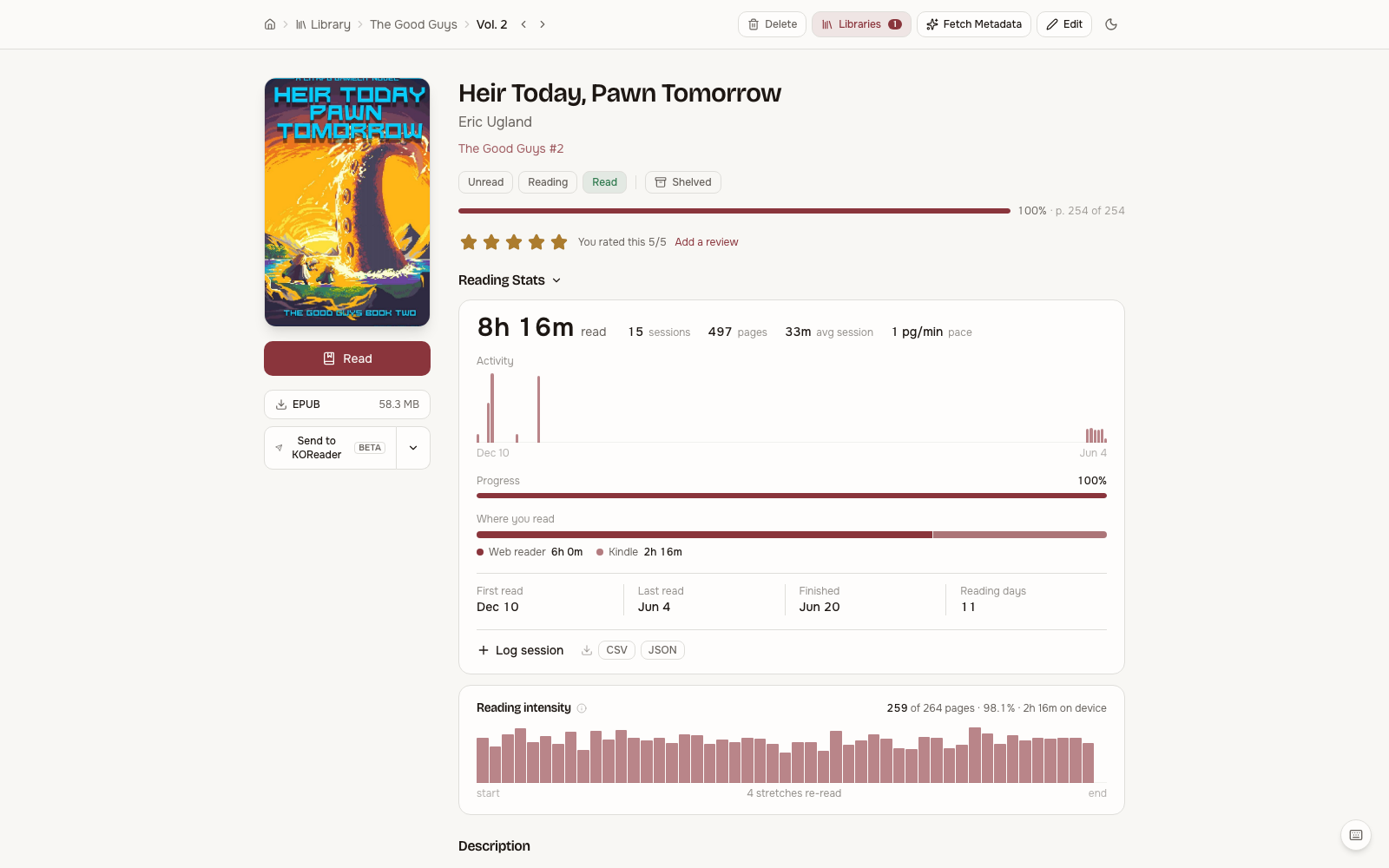
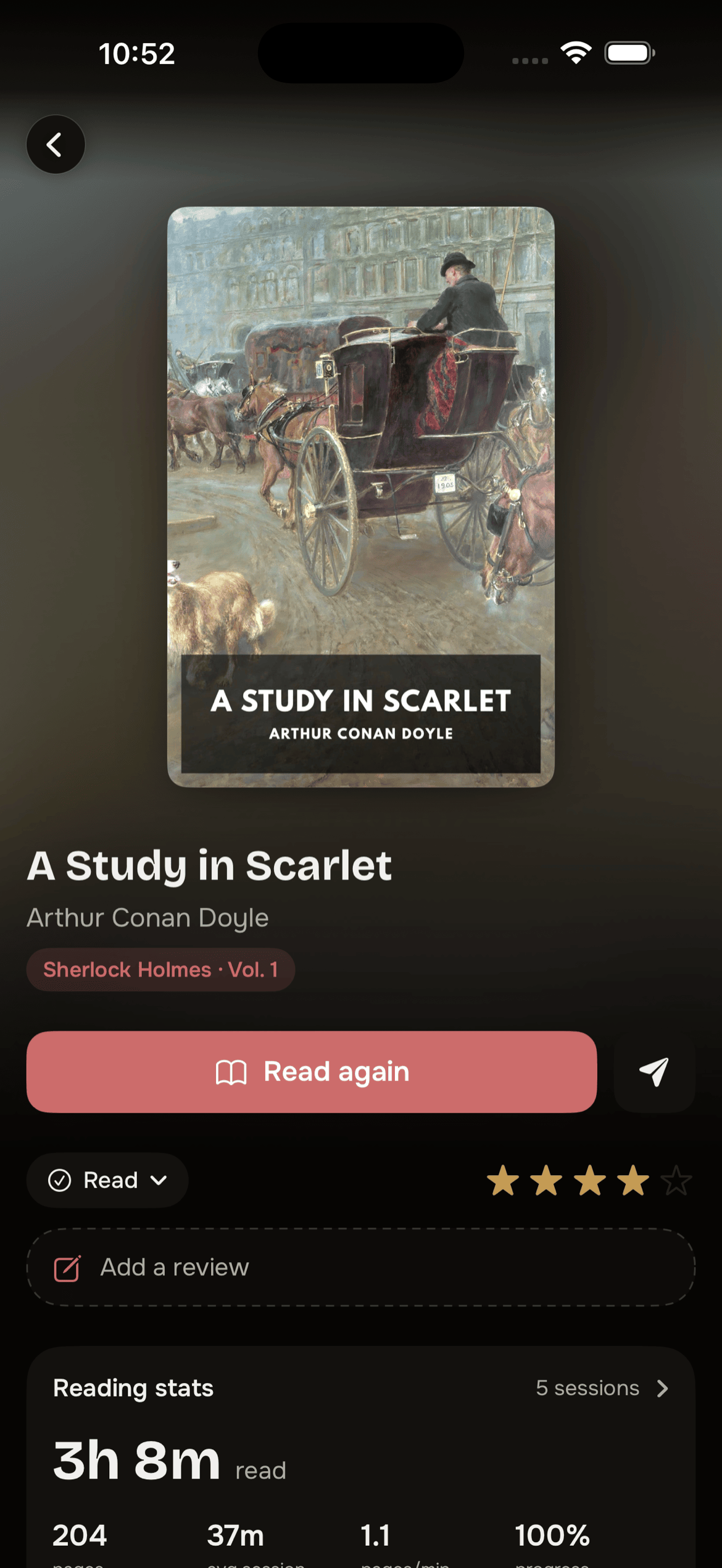
- reading session tracking
- bidirectional position sync
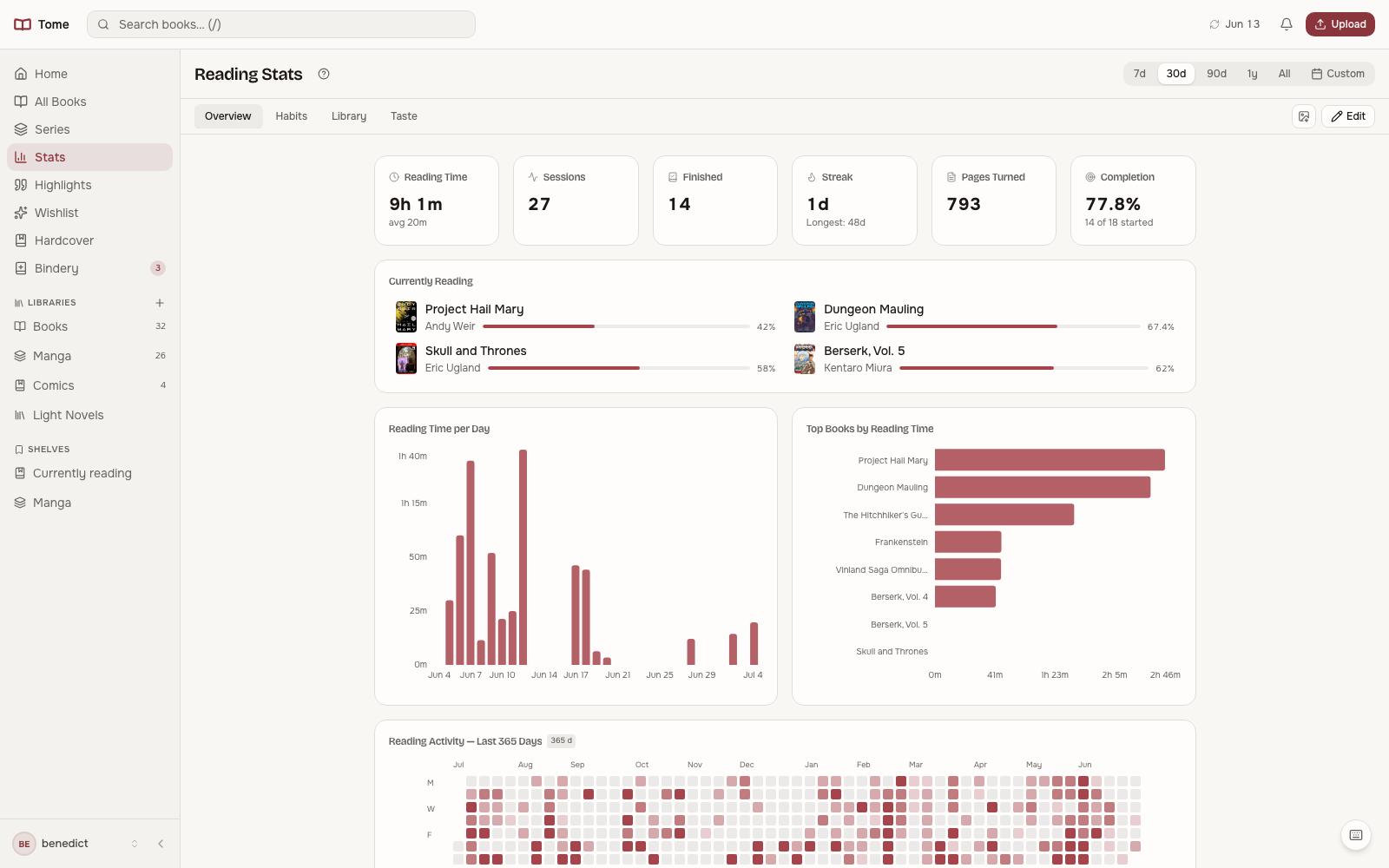
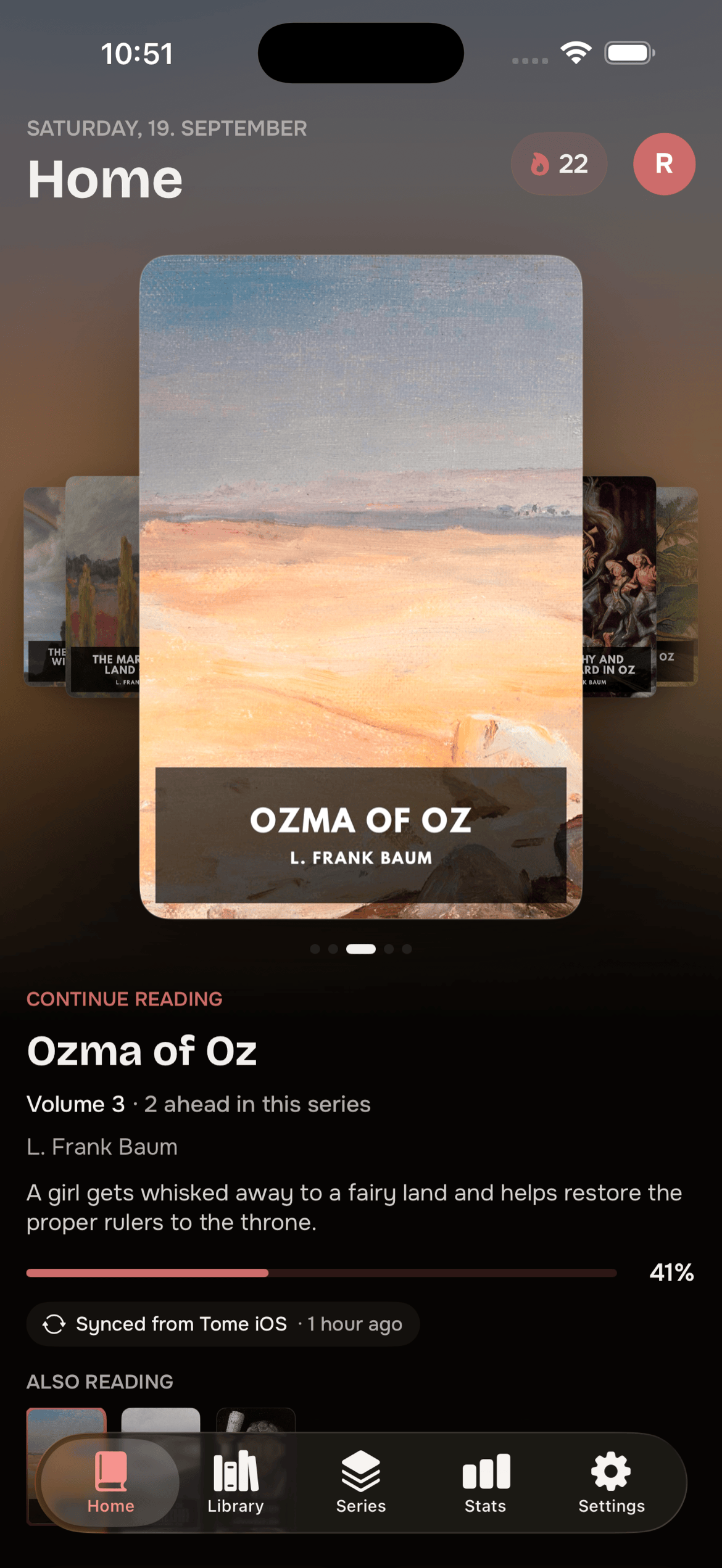
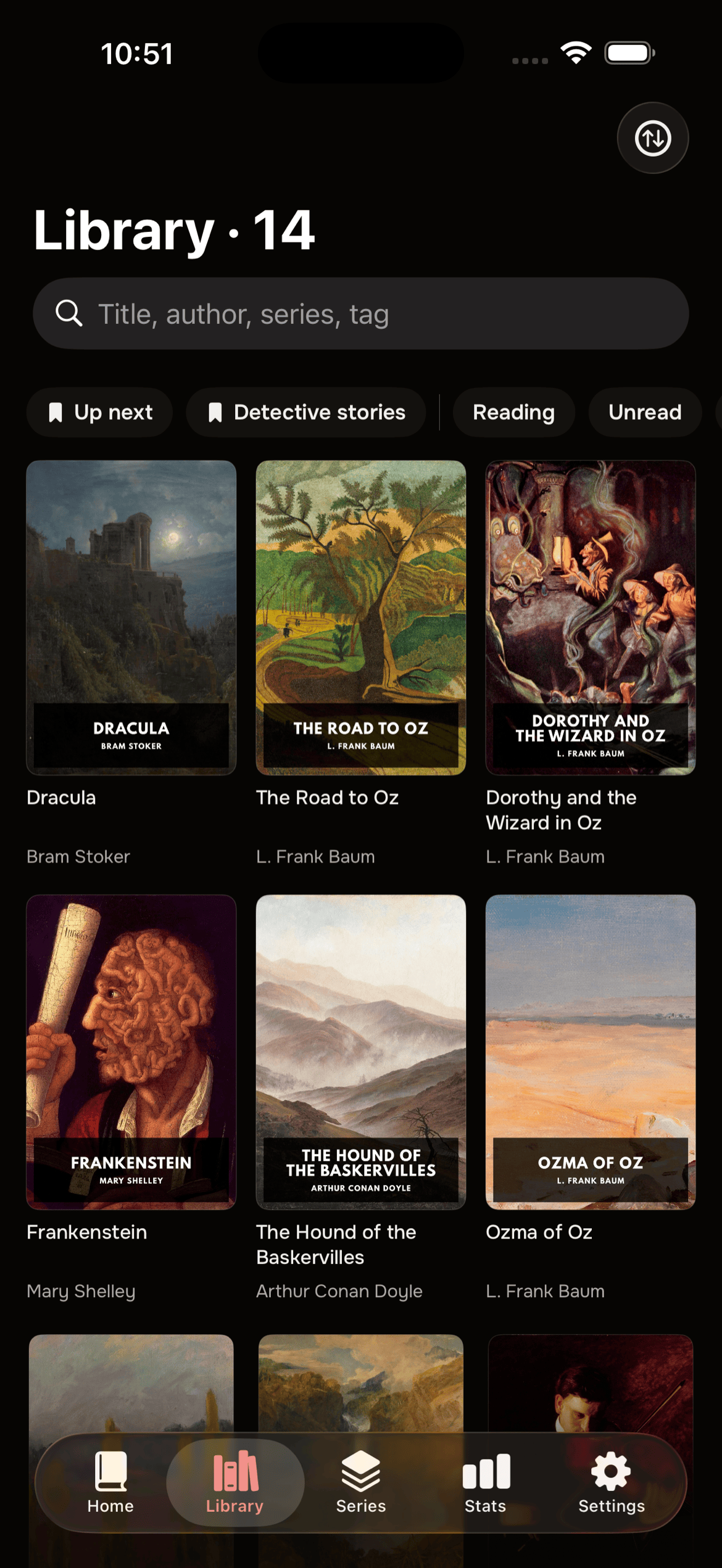
- reading stats
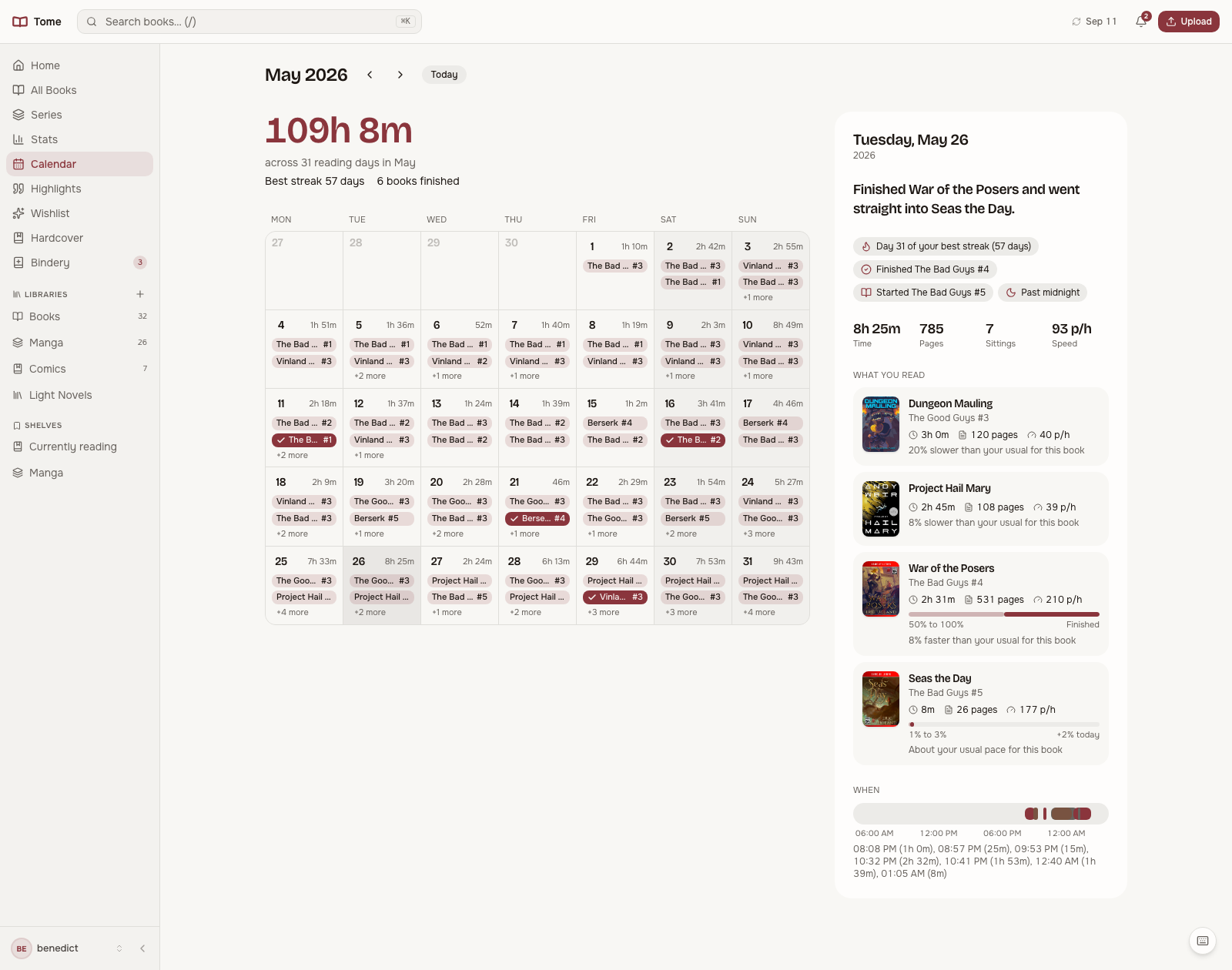
- calendar view
- Hardcover sync
- metadata comparison from 3 sources
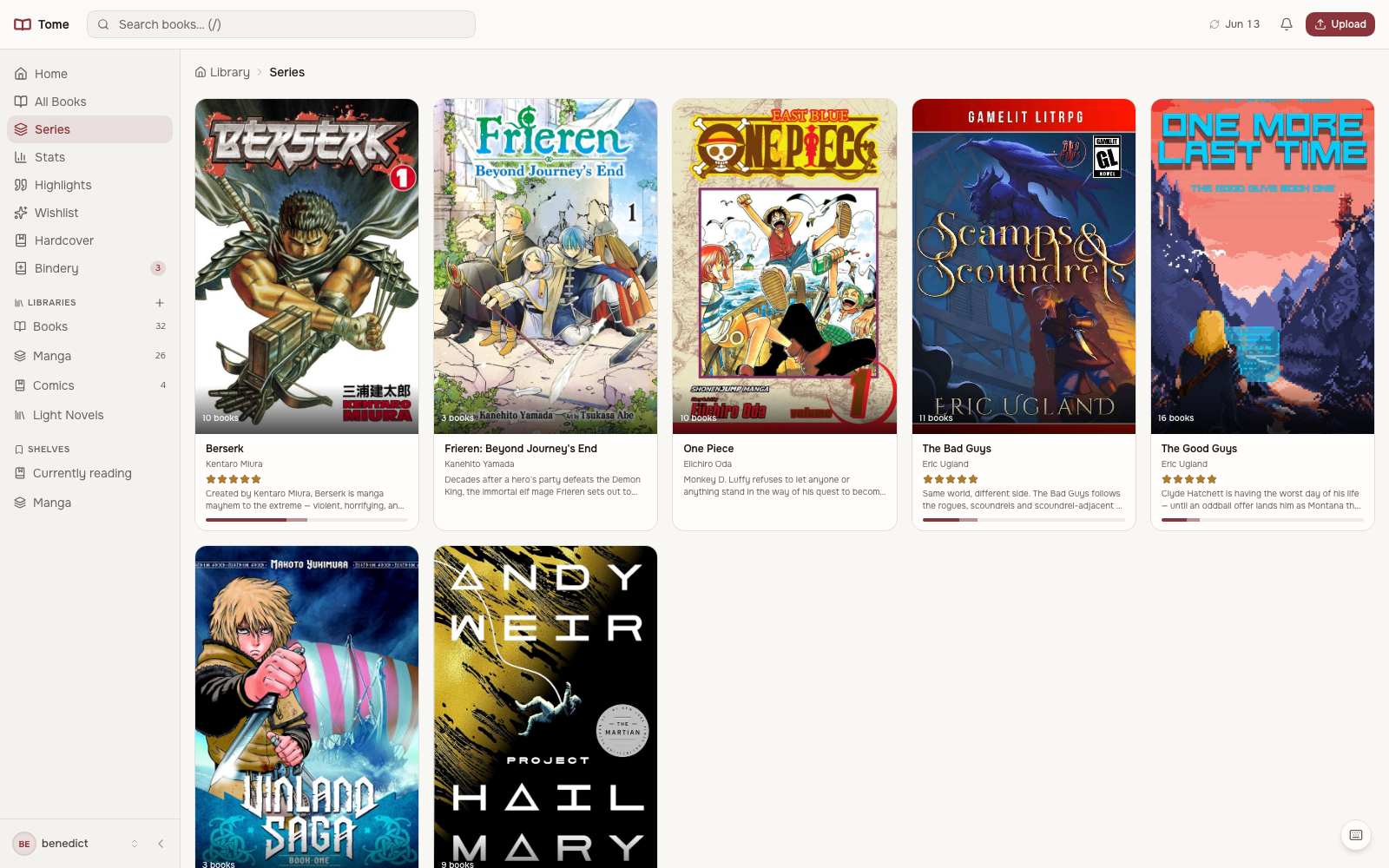
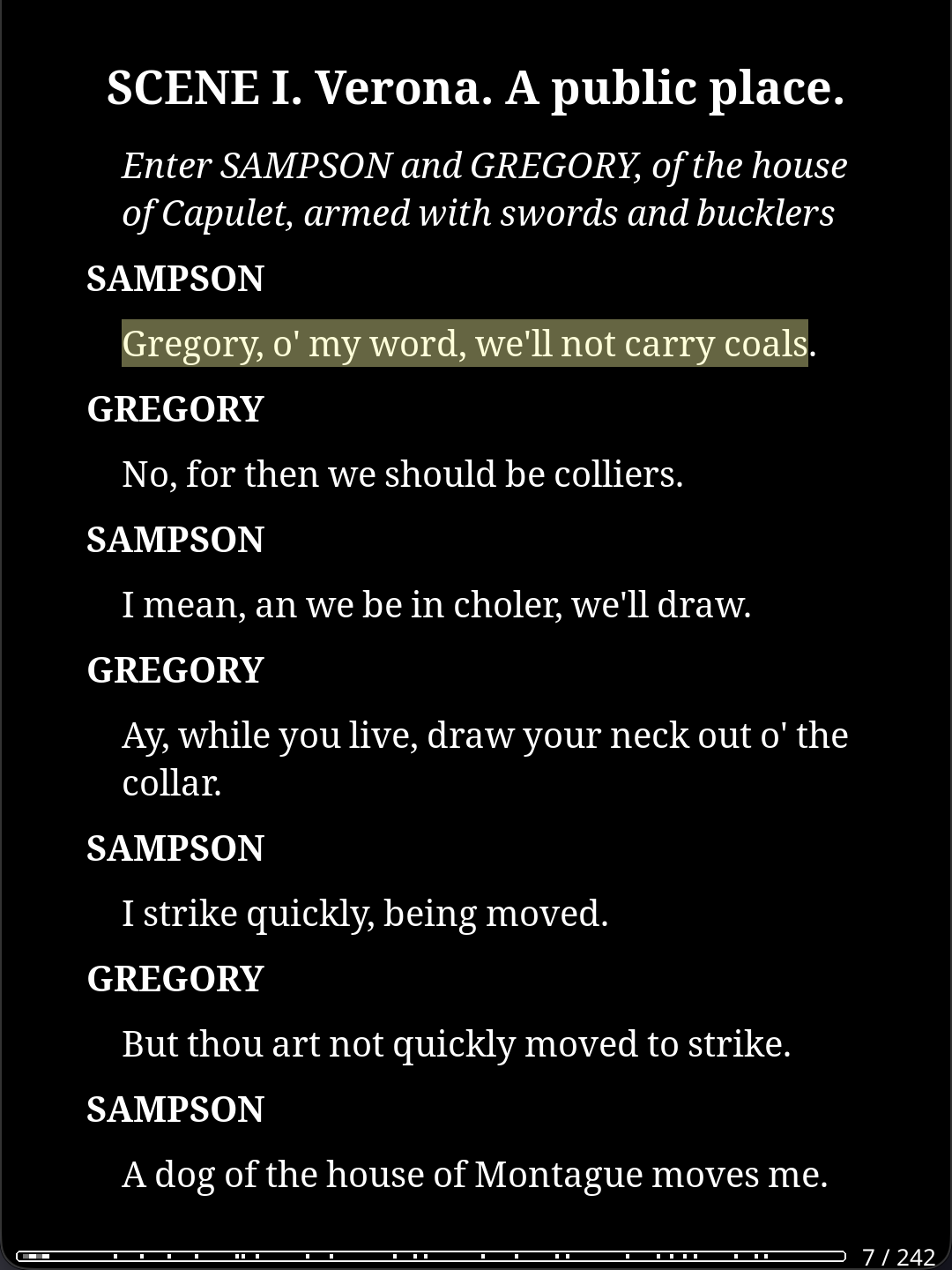
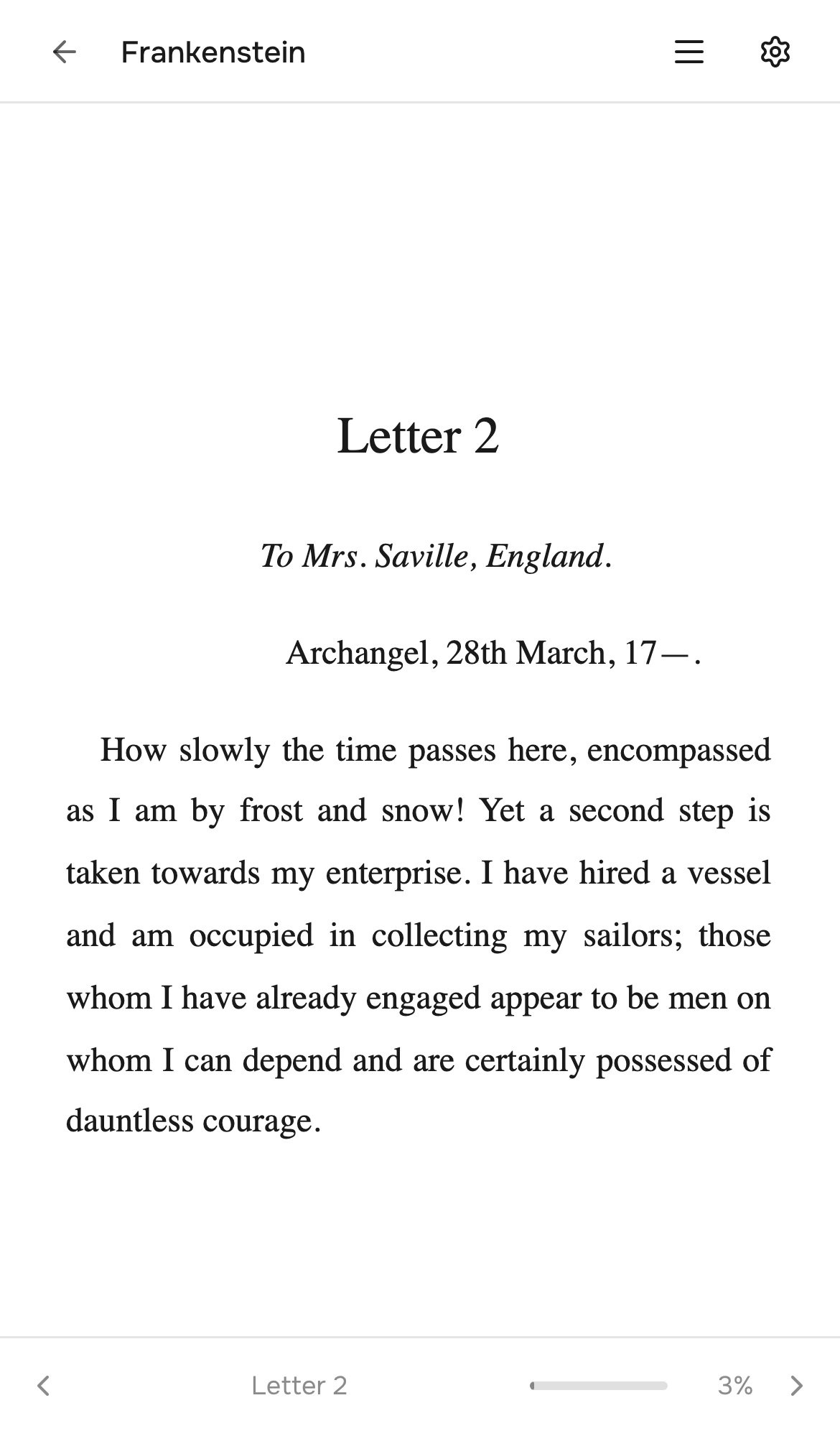
- built-in browser reader
- OPDS feed
- SSO with OIDC
Details
- Last Updated
- Nov 3, 2026
- Created
- Apr 1, 2026
- Install Methods
- dockerdocker-composesource
- Requirements
- DockerFastAPIReactSQLiteKOReader v2024.07 or newer
- Authentication
- oidc-ssolocal
- API
- REST
- Backup & Export
- file-backupdatabase-dumpnative-export
- Runtime / Stack
- Docker
- Privacy & Independence
- Cloud: OptionalOffline Capable
- User Model
- Multi-User
- Deployment
Deployment: Docker Compose ✓Single Container — minimal hosting footprintsingle container
Run Tome yourself
Pick how much you want to manage.
 HetznerBest match
Full control
A small server, then Docker Compose.
About 20 minutes with Docker
 DigitalOcean
Full control
A small server, then Docker Compose.
About 20 minutes with Docker
 OVHcloud
Full control
A small server, then Docker Compose.
About 20 minutes with Docker
Is this your project? Sponsor a listing
Run Tome with Docker Compose
Compose file from the Tome project repository.
1 service
no resource limits declared
needs persistent storage (3 volumes)
docker-compose.yml · @ cedb437 · scanned Nov 3, 2026
# Run Tome from the published container image. Works on any host
# (Linux / macOS / Windows) for amd64 and arm64.
#
#   docker compose pull && docker compose up -d
#
# Customise the volume paths below if your library and data live elsewhere.
# See docs/examples/ for setups specific to Unraid, etc.
services:
  tome:
    image: ghcr.io/bndct-devops/tome:latest
    container_name: tome
    ports:
      - "8080:8080"
    volumes:
      # State (SQLite DB, cover cache, generated secret key)
      - ./data:/data
      # Your ebook library. Read-write so Tome can organise files.
      - ./books:/books
      # Drop new files here for Bindery to pick up
      - ./bindery:/bindery
    environment:
      # Optional. Run Tome as this host UID/GID (default 1000:1000) so it can
      # read/write your mounts. Set to the user that owns ./books and ./bindery
      # on the host - on Synology / QNAP / TrueNAS use your docker user's ids
      # (`id <user>`). Only needed if you see PermissionError in the logs.
      # - PUID=1000
      # - PGID=1000
      # Optional. If unset, Tome generates a long random key on first start
      # and saves it to /data/secret.key.
      # - TOME_SECRET_KEY=
      # Or read it from a file (Docker secrets); any secret takes a _FILE variant.
      # - TOME_SECRET_KEY_FILE=/run/secrets/tome_secret_key
      # Optional. Get a free API token at https://hardcover.app/account/api
      # - TOME_HARDCOVER_TOKEN=
      # Optional. Set to true to automatically import files from /bindery.
      # - TOME_AUTO_IMPORT=true
    restart: unless-stopped
This file may be out of date. Check the Tome documentation for current setup steps.
Track your self-hosted stack
Bookmark software to try, rate tools you've used, and keep your collection in one place.
Related Software

Komga

Atsumeru

Calibre Web Automated

Calibre Web

Kavita

Grimmory

Bindery

Ubooquity

BookLore

Jelu

Stump
