

Healthchecks
★ 10.5kAbout
Community Ratings
No ratings yetNew this week
Read recap →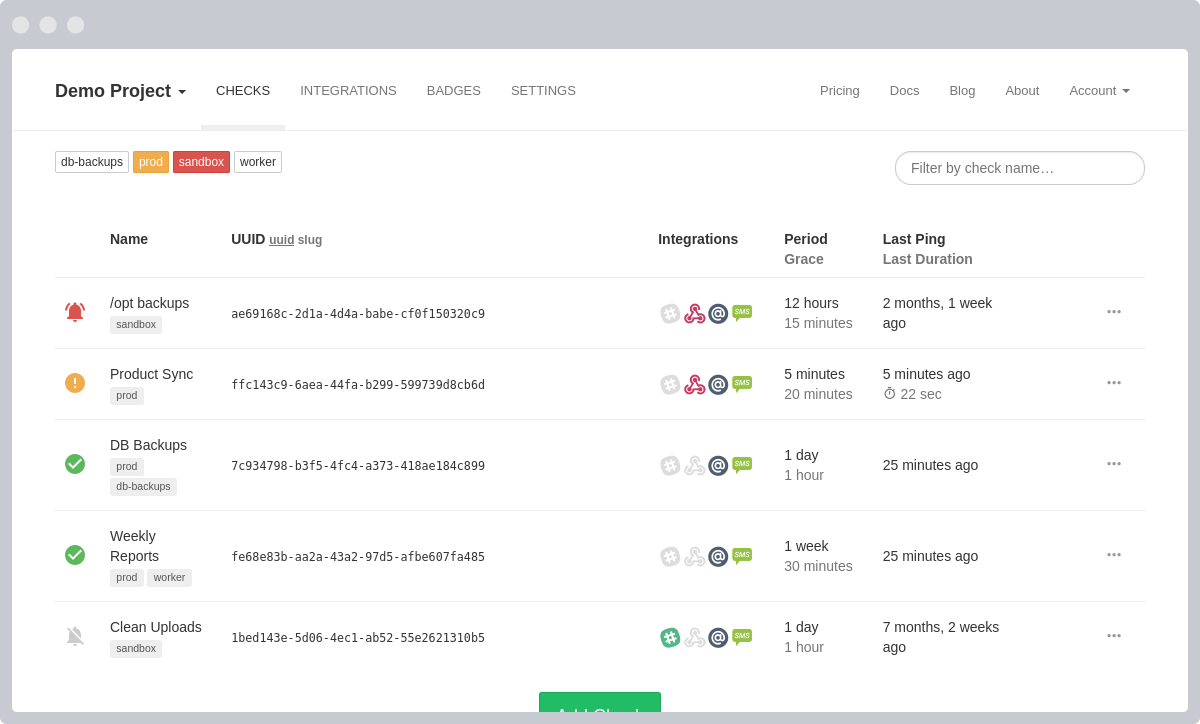
Features
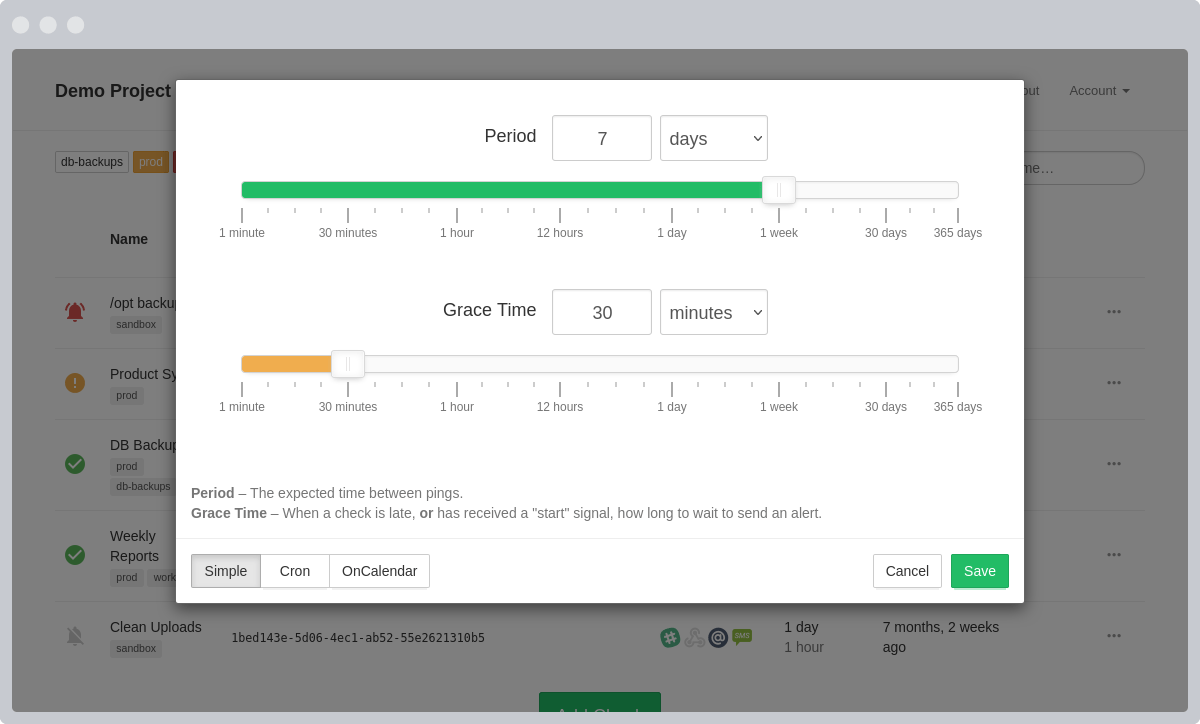
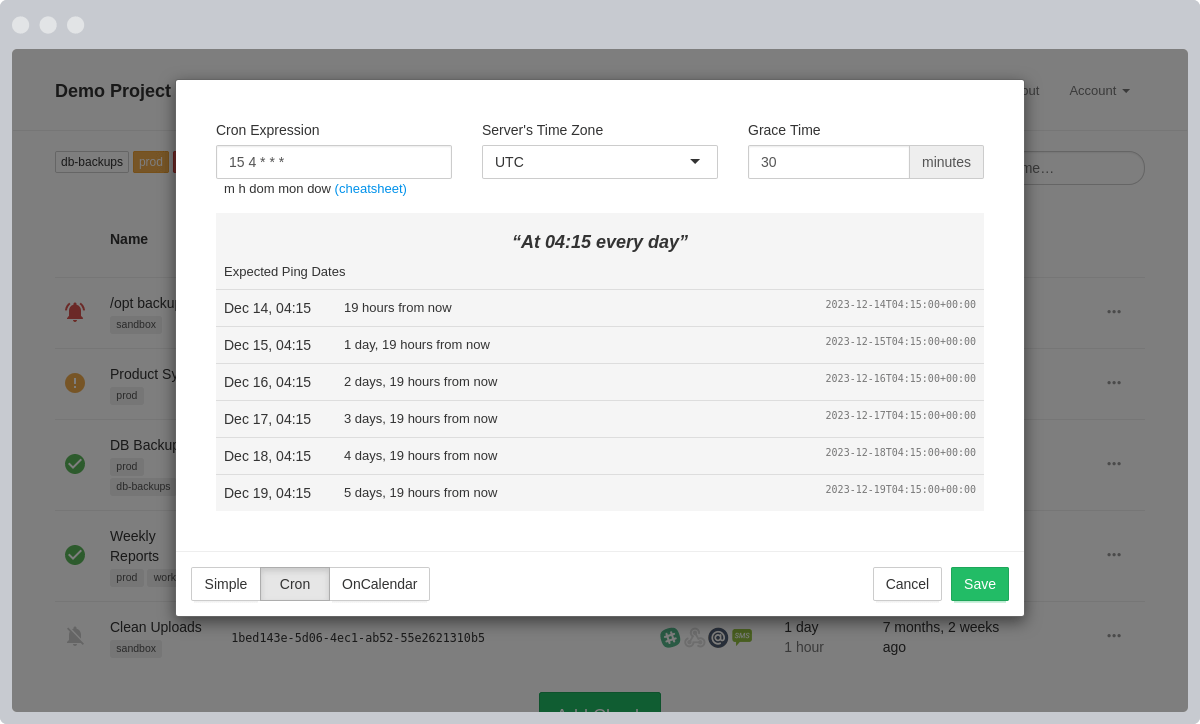
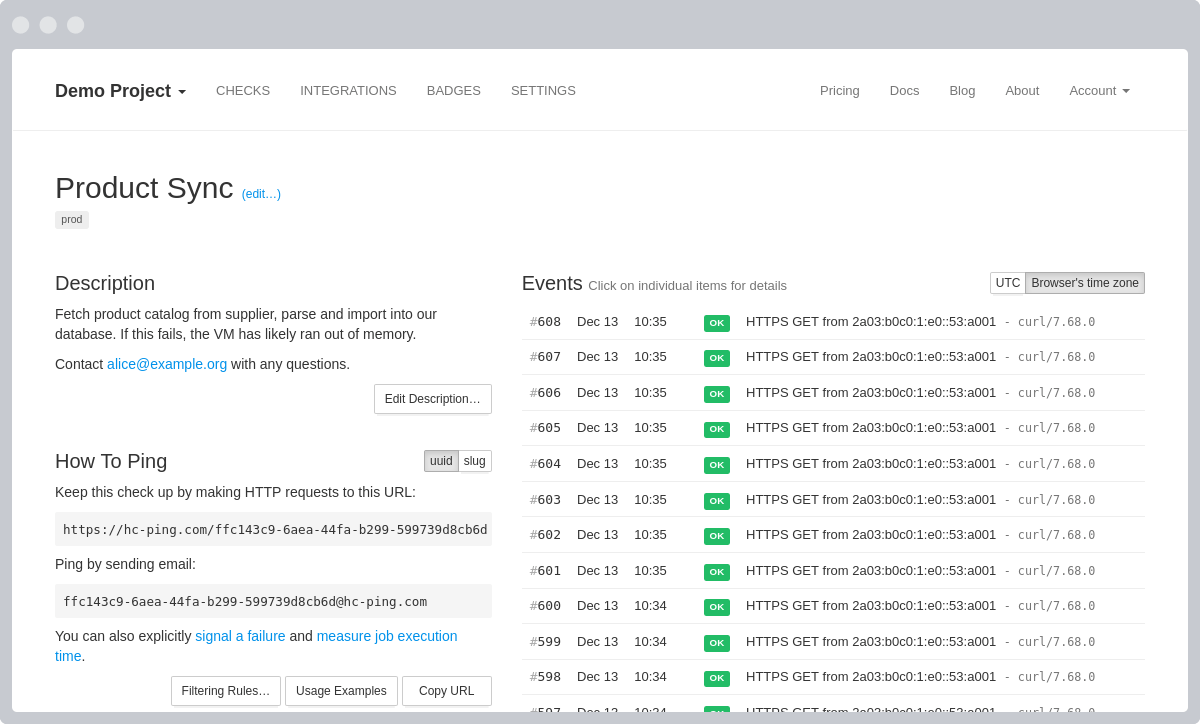
- HTTP and email pings
- alert notifications
- web dashboard
- API
- 25+ integrations
- monthly email reports
- WebAuthn 2FA
- team management
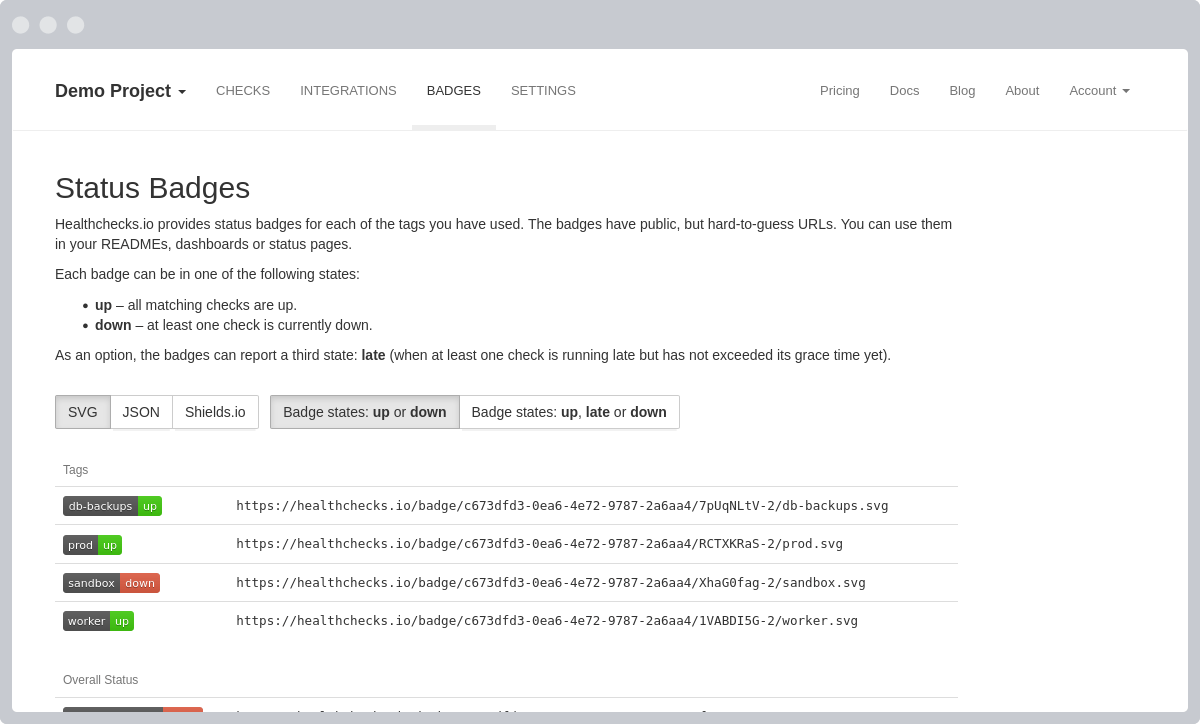
- status badges
- administration panel
Details
- Last Updated
- Nov 12, 2026
- Created
- Jun 25, 2015
- Install Methods
- dockersource
- Requirements
- Python 3.12+Django 6.1PostgreSQLMySQLMariaDB
- Default Port
- 8000web UI
- Authentication
- localproxy-auth2fa
- API
- REST
- Backup & Export
- database-dumpfile-backup
- Runtime / Stack
- PythonDocker
- Privacy & Independence
- Cloud: Optional
- User Model
- Multi-User
- Deployment
Deployment: Docker Compose ✓2 Containers — light hosting footprintRuns as 2 containers
Run Healthchecks yourself
Pick how much you want to manage.
 CoolifyBest match
One click on your server
Coolify template for your own server.
About 10 minutes if you run Coolify
 netcup
Full control
A small server, then Docker Compose.
About 20 minutes with Docker
 Hetzner
Full control
A small server, then Docker Compose.
About 20 minutes with Docker
3 more ways to host


Some links earn us a commission. netcup pays us one and is our preferred VPS host.
Is this your project? Sponsor a listing
Run Healthchecks with Docker Compose
Compose file from the Healthchecks project repository.
2 services · database: postgres · infra: postgres
no resource limits declared
needs persistent storage (1 volume)
docker/docker-compose.yml · @ 69dbd2a · scanned Nov 3, 2026
volumes:
    db-data:

services:
  db:
    image: postgres:16
    volumes:
      - db-data:/var/lib/postgresql/data
    environment:
      - POSTGRES_DB=$DB_NAME
      - POSTGRES_PASSWORD=$DB_PASSWORD
  web:
    build:
        context: ..
        dockerfile: docker/Dockerfile
    # To use a pre-built image, remove the above "build" section
    # and uncomment the following line:
    # image: healthchecks/healthchecks:latest
    env_file:
        - .env
    ports:
        - "8000:8000"
        # To enable SMTP on port 2525, set SMTPD_PORT=2525 in .env
        # and uncomment the following line:
        # - "2525:2525"
    depends_on:
        - db
    command: bash -c 'while !</dev/tcp/db/5432; do sleep 1; done; uwsgi /opt/healthchecks/docker/uwsgi.ini'
This file may be out of date. Check the Healthchecks documentation for current setup steps.
Tags
Track your self-hosted stack
Bookmark software to try, rate tools you've used, and keep your collection in one place.
Alternatives to Healthchecks

Uptime Kuma

Operational.co
Related Software

Cronmaster

Cronicle

Gotify

Ctfreak

Apprise

ntfy

Sentry Self-Hosted

Huginn

RapidForge

OliveTin

flowctl
