


Databasus
★ 9.3kAbout
Community Ratings
No ratings yetNew this week
Read recap →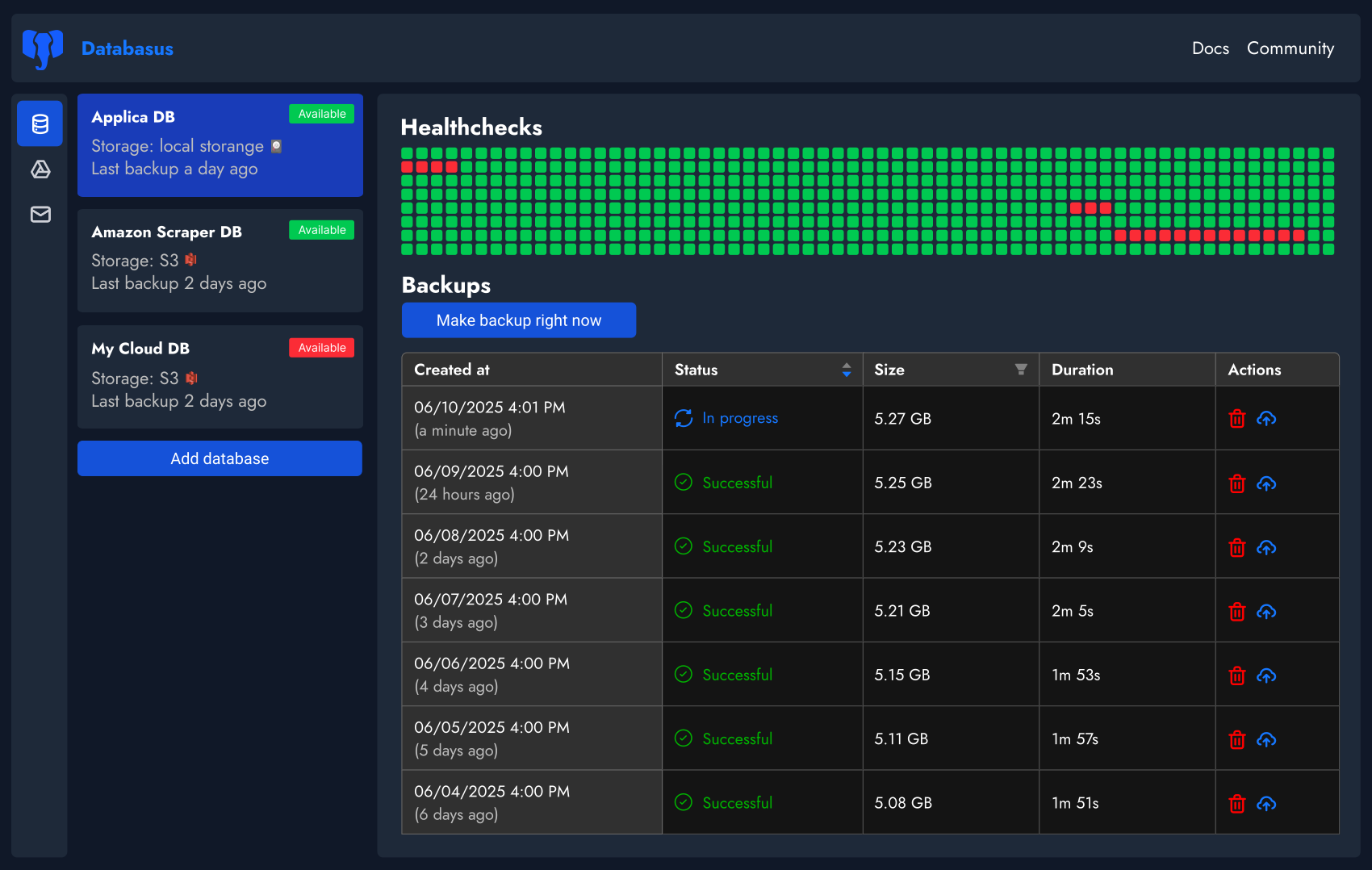
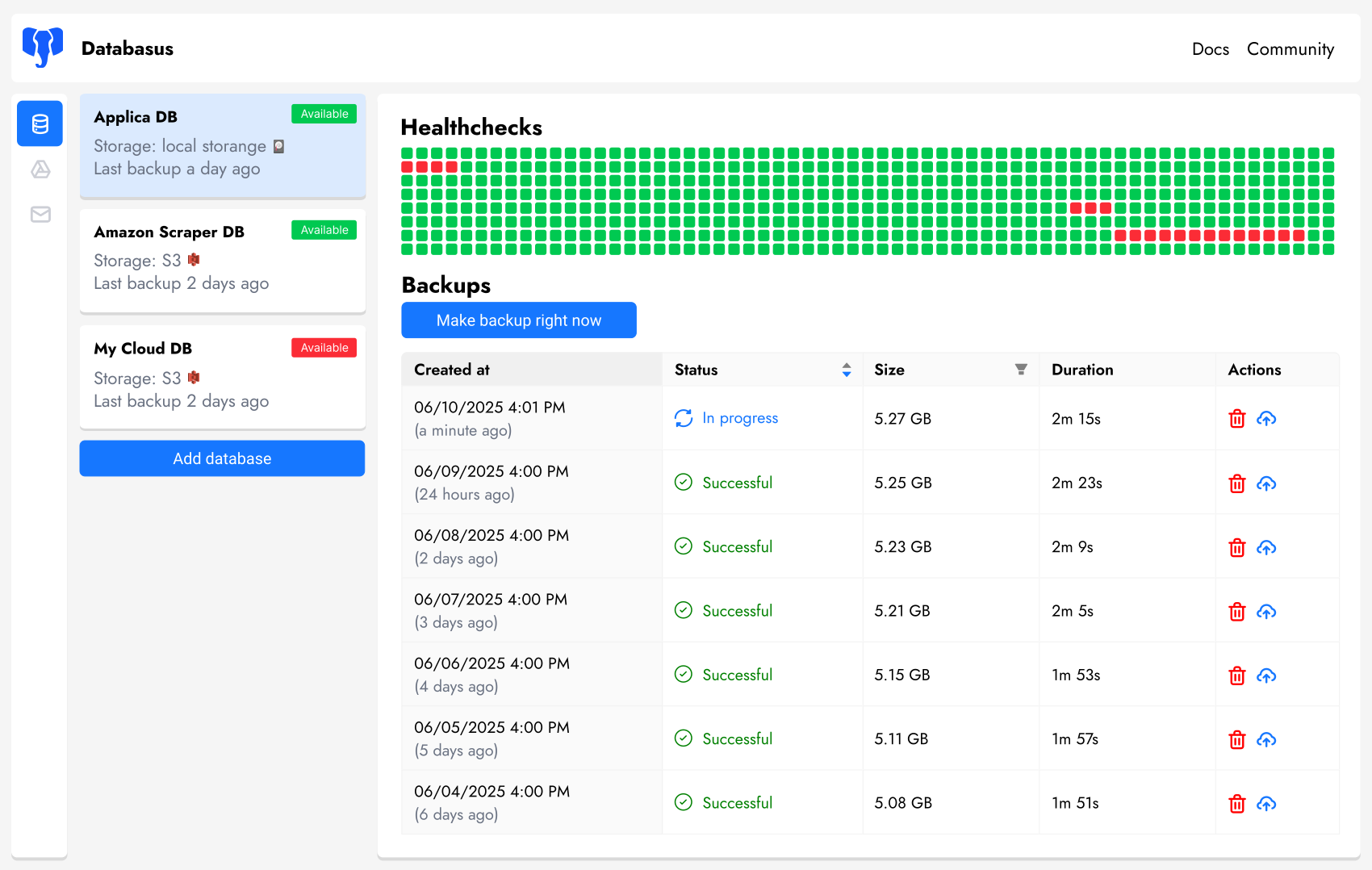

Features
- Physical and logical backups
- Point-in-Time Recovery with WAL streaming
- Scheduled backups
- Backup compression
- Restore verification
- Retention policies
- Local and remote storage destinations
- Notifications through email, messaging channels, and webhooks
- AES-256-GCM encryption and two-factor authentication
- Workspace access management, roles, and audit logs
Details
- Last Updated
- Nov 28, 2026
- Created
- Jun 5, 2025
- Install Methods
- binarydockerdocker-composekuberneteshelm
- Requirements
- Docker (installed automatically by the Linux install script if needed)A supported database to back up: PostgreSQL, MySQL, MariaDB, or MongoDB
- Default Port
- 4005web UI
- Authentication
- local2fa
- Backup & Export
- local-storage-backupS3 and other object-storage backupAzure Blob Storage backupFTP and SFTP backupNAS backup
- Privacy & Independence
- Cloud: Optional
- User Model
- Multi-UserMulti-Tenant
- Theming
- Dark mode
- Deployment
Deployment: Docker Compose ✓6 Containers — moderate hosting footprintRuns as 6 containers
Run Databasus yourself
Pick how much you want to manage.
 HostingerSponsored
One click
Hostinger template, runs in your own Hostinger account.
About 5 minutes to running
 netcupBest match
Full control
A small server, then Docker Compose.
About 20 minutes with Docker
 Hetzner
Full control
A small server, then Docker Compose.
About 20 minutes with Docker
3 more ways to host


Some links earn us a commission. netcup pays us one and is our preferred VPS host. Hostinger is a paid sponsor and is listed first.
Is this your project? Sponsor a listing
Run Databasus with Docker Compose
Compose file from the Databasus project repository.
6 services · database: postgres · infra: postgres
no resource limits declared
needs persistent storage (3 volumes)
docker-compose.yml · @ a4c665b · scanned Nov 26, 2026
services:
  # ================================================================
  # Local image build (opt-in via profile)
  # ================================================================

  # For local development only to test build. This service is gated
  # behind the "image" profile so it does NOT start with a plain
  # `docker compose up -d`. To run: docker compose up databasus-local
  databasus-local:
    profiles: ["image"]
    build:
      context: .
      dockerfile: Dockerfile
    ports:
      - "4005:4005"
    volumes:
      - ./databasus-data:/databasus-data
    container_name: databasus-local
    restart: unless-stopped
    healthcheck:
      test: ["CMD", "databasus", "healthcheck"]
      interval: 30s
      timeout: 5s
      retries: 3
      start_period: 60s

  # ================================================================
  # Backend dev services
  # ================================================================

  # For development only, because this DB
  # exposes its port to the public
  backend-db:
    image: docker.io/library/postgres:17@sha256:846a7ddaa67a4b354ae1d21087b683901aa6113a4ed626d3787cfbf6c85e3e07
    ports:
      - "${BACKEND_DB_PORT:-5437}:5432"
    environment:
      - POSTGRES_DB=${DEV_DB_NAME}
      - POSTGRES_USER=${DEV_DB_USERNAME}
      - POSTGRES_PASSWORD=${DEV_DB_PASSWORD}
    volumes:
      - /var/lib/postgresql/data
    container_name: backend-db
    shm_size: 10gb

  # Each test owns a database and a connection pool on this shared test server.
  backend-db-test:
    image: docker.io/library/postgres:17@sha256:846a7ddaa67a4b354ae1d21087b683901aa6113a4ed626d3787cfbf6c85e3e07
    command: postgres -c max_connections=1000 -c fsync=off -c synchronous_commit=off -c full_page_writes=off
    ports:
      - "${BACKEND_DB_TEST_PORT:-5438}:5432"
    environment:
      - POSTGRES_DB=${DEV_DB_NAME}
      - POSTGRES_USER=${DEV_DB_USERNAME}
      - POSTGRES_PASSWORD=${DEV_DB_PASSWORD}
    volumes:
      - /var/lib/postgresql/data
    container_name: backend-db-test
    shm_size: 10gb

  # ================================================================
  # Test containers
  # ================================================================

  # Development logical source used by the seed command. Automated tests own their containers.
  test-logical-postgres-16:
    image: docker.io/library/postgres:16@sha256:63e83b5a3dc36a917dccb76fe1bd2ac51f1ec9c1deb47ff20d4f04233bf6eae9
    ports:
      - "${TEST_LOGICAL_POSTGRES_16_PORT:-5004}:5432"
    environment:
      - POSTGRES_DB=testdb
      - POSTGRES_USER=testuser
      - POSTGRES_PASSWORD=testpassword
    container_name: test-logical-postgres-16
    shm_size: 1gb

  # ================================================================
  # Live WAL-backup rig (always-on, for manual remote-WAL testing)
  # ================================================================

  # Live PG 18 that continuously generates WAL (via the wal-backup-loader sidecar),
  # for manually exercising remote WAL backups; the loader sidecar drives the traffic.
  # Init script appends a password-protected replication rule so pg_basebackup
  # works from the host through Docker NAT (default pg_hba only allows
  # replication from 127.0.0.1/32, but the Docker bridge presents the host
  # connection as the bridge subnet IP). scram-sha-256 keeps the password
  # requirement intact.
  wal-backup-postgres-18:
    build:
      dockerfile_inline: |
        FROM postgres:18
        COPY --chmod=0755 <<"EOF" /docker-entrypoint-initdb.d/02_allow_replication.sh
        #!/bin/bash
        set -e
        echo "host replication all all scram-sha-256" >> "$$PGDATA/pg_hba.conf"
        EOF
    ports:
      - "${WAL_BACKUP_POSTGRES_18_PORT:-5018}:5432"
    environment:
      - POSTGRES_DB=${WAL_BACKUP_DB_NAME:-testdb}
      - POSTGRES_USER=${WAL_BACKUP_DB_USER:-testuser}
      - POSTGRES_PASSWORD=${WAL_BACKUP_DB_PASSWORD:-testpassword}
    command:
      - postgres
      - -c
      - wal_level=logical
      - -c
      - summarize_wal=on
      - -c
      - max_wal_senders=10
      - -c
      - max_replication_slots=10
      - -c
      - wal_keep_size=512MB
    container_name: wal-backup-postgres-18
    healthcheck:
      # references the container's own POSTGRES_* env, so it follows the vars automatically
      test: ["CMD-SHELL", "pg_isready -U $$POSTGRES_USER -d $$POSTGRES_DB"]
      interval: 5s
      timeout: 5s
      retries: 10
    shm_size: 1gb

  # Generates continuous WAL on wal-backup-postgres-18: random inserts every 10s,
  # CHECKPOINT + WAL switch every 30s.
  wal-backup-loader:
    image: docker.io/library/postgres:18@sha256:b9f6b8ff03b62f3cfd9d9ba3fe56226a9991c79d3fb46fd46536263bf02be553
    depends_on:
      wal-backup-postgres-18:
        condition: service_healthy
    environment:
      - PGHOST=wal-backup-postgres-18
      - PGPORT=5432
      - PGUSER=${WAL_BACKUP_DB_USER:-testuser}
      - PGPASSWORD=${WAL_BACKUP_DB_PASSWORD:-testpassword}
      - PGDATABASE=${WAL_BACKUP_DB_NAME:-testdb}
    container_name: wal-backup-loader
    restart: unless-stopped
    entrypoint:
      - bash
      - -c
      - |
        set -euo pipefail
        psql -v ON_ERROR_STOP=1 -c "CREATE TABLE IF NOT EXISTS wal_test_rows (
          id bigserial PRIMARY KEY,
          payload text NOT NULL,
          created_at timestamptz NOT NULL DEFAULT now()
        );"
        iteration=0
        while true; do
          psql -v ON_ERROR_STOP=1 -c "INSERT INTO wal_test_rows (payload)
            SELECT md5(random()::text) FROM generate_series(1, 100);"
          iteration=$$((iteration + 1))
          if (( iteration % 3 == 0 )); then
            echo "force flush: CHECKPOINT + pg_switch_wal()"
            psql -v ON_ERROR_STOP=1 -c "CHECKPOINT; SELECT pg_switch_wal();"
          fi
          sleep 10
        done
This file may be out of date. Check the Databasus documentation for current setup steps.
Tags
Track your self-hosted stack
Bookmark software to try, rate tools you've used, and keep your collection in one place.
Alternatives to Databasus

portabase
Related Software

Cluster Control

Vaultwarden
Ctfreak

HomeButler

Coolify

Checkmate

DAViCal

Appwrite
